Dashboard Authorization
By default, the Jobly dashboard is open to everyone. Use IJoblyAuthorizationFilter to restrict access.
Setup
app.UseJoblyUI(options =>
{
    options.Authorization = new MyAuthFilter();
    options.UnauthorizedRedirectUrl = "/login"; // optional
});
IJoblyAuthorizationFilter
Implement this interface to control who can access the dashboard:
public class MyAuthFilter : IJoblyAuthorizationFilter
{
    public bool Authorize(HttpContext httpContext)
    {
        return httpContext.User.Identity?.IsAuthenticated == true
            && httpContext.User.IsInRole("Admin");
    }
}
The filter is called for both the SPA (HTML/CSS/JS) and the API endpoints (/jobly/api/...).
Redirect Behavior
When UnauthorizedRedirectUrl is set:
- Browser requests to
/joblyget a 302 redirect to the login URL with?returnUrl=/jobly - API requests (
/jobly/api/...) always return 401 — no redirect
When UnauthorizedRedirectUrl is null:
- All unauthorized requests return 401
Built-in Login
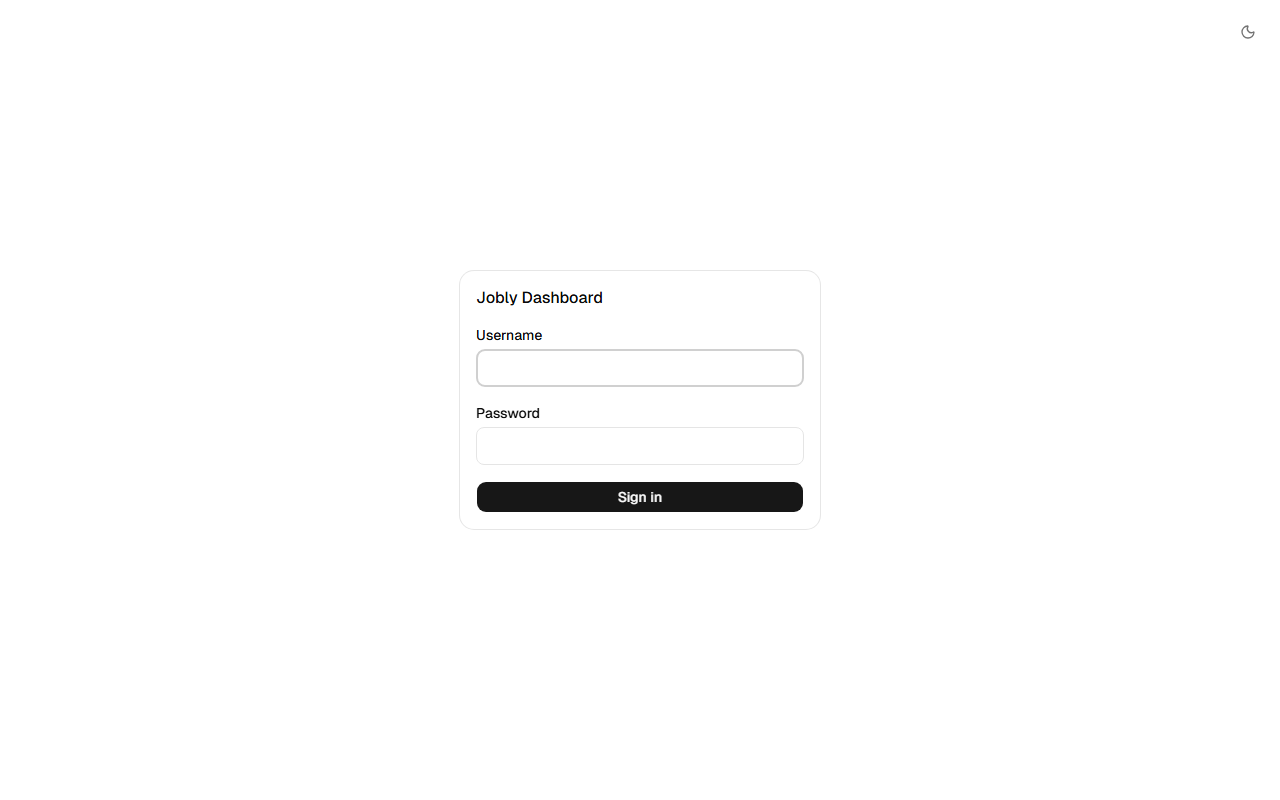
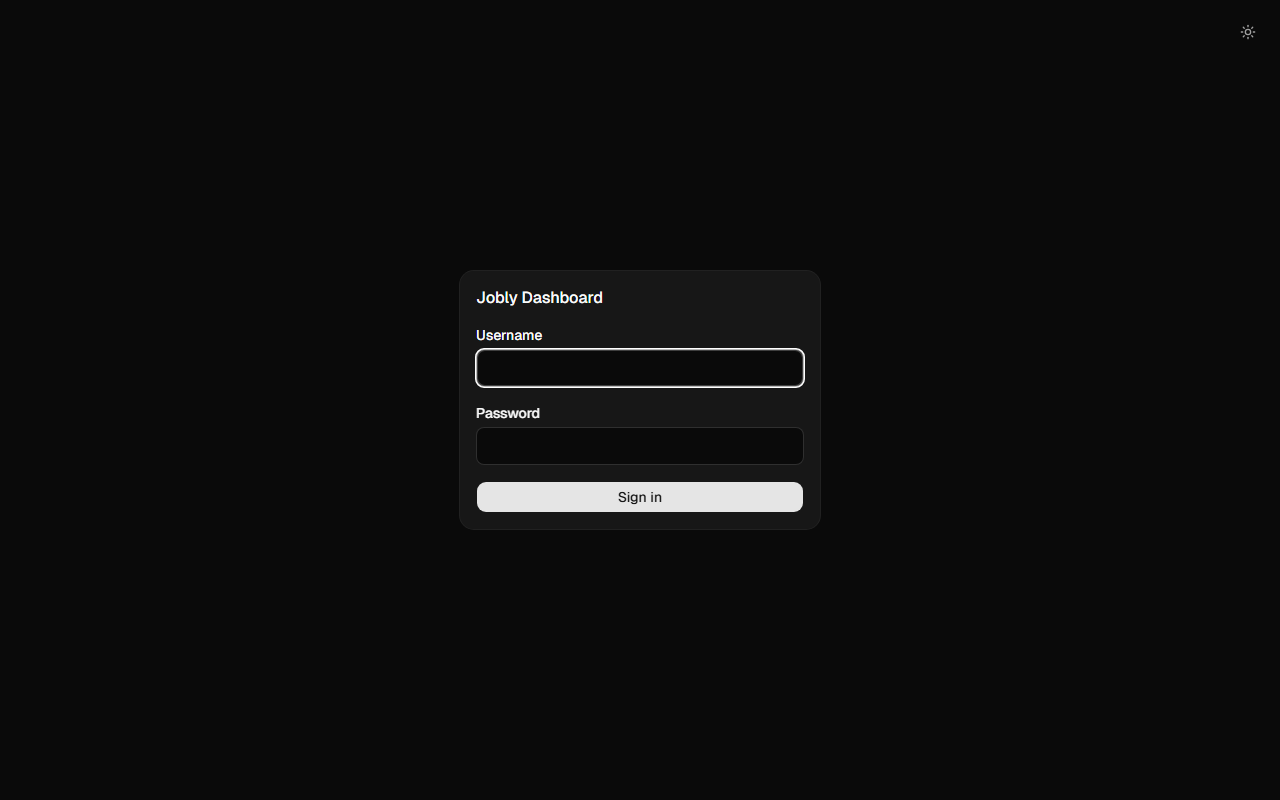
Jobly can serve its own login page — no external auth setup needed. Users authenticate with credentials you validate, and Jobly manages the session via an HTTP-only signed cookie.
builder.Services.AddDataProtection(); // Required for cookie signing
builder.Services.AddScoped<IJoblyCredentialValidator, MyCredentialValidator>();

app.UseJoblyUI(options =>
{
    options.UseBuiltInLogin<MyCredentialValidator>();
});
Implement IJoblyCredentialValidator to check credentials against your database, LDAP, or any source:
public class MyCredentialValidator : IJoblyCredentialValidator
{
    private readonly AppDbContext _db;

    public MyCredentialValidator(AppDbContext db) => _db = db;

    public async Task<bool> ValidateAsync(string username, string password)
    {
        var user = await _db.Users.FirstOrDefaultAsync(u => u.Username == username);
        return user != null && BCrypt.Verify(password, user.PasswordHash);
    }
}
The validator is registered as Scoped, so it can inject DbContext and other scoped services.
How it works
- Unauthenticated users see the built-in login page at
/jobly - The SPA posts credentials to
/jobly/api/auth/login - On success, Jobly sets an HTTP-only signed cookie (1-day expiry via ASP.NET Data Protection)
- API requests include the cookie automatically — 401 triggers the login page
- Logout via
/jobly/api/auth/logoutclears the cookie
When to use built-in login vs custom auth
| Built-in Login | Custom Auth Filter | |
|---|---|---|
| Setup | UseBuiltInLogin<T>() | options.Authorization = new MyFilter() |
| Login page | Jobly serves it | Your app serves it |
| Session | Jobly cookie | Your existing auth (cookies, JWT, etc.) |
| Best for | Standalone dashboard access | Apps with existing authentication |
Built-in Filters
LocalRequestsOnlyAuthorizationFilter
Allows access only from localhost (127.0.0.1 / ::1):
app.UseJoblyUI(options =>
{
    options.Authorization = new LocalRequestsOnlyAuthorizationFilter();
});
Cookie Auth Example
If your app uses cookie authentication, the dashboard works automatically — cookies are sent with every request:
// Program.cs
builder.Services.AddAuthentication(CookieAuthenticationDefaults.AuthenticationScheme)
    .AddCookie();

var app = builder.Build();

app.UseAuthentication();
app.UseAuthorization();

// UseJoblyUI AFTER auth middleware so HttpContext.User is populated
app.UseJoblyUI(options =>
{
    options.Authorization = new AuthenticatedUserFilter();
    options.UnauthorizedRedirectUrl = "/login";
});
public class AuthenticatedUserFilter : IJoblyAuthorizationFilter
{
    public bool Authorize(HttpContext httpContext)
    {
        return httpContext.User.Identity?.IsAuthenticated == true;
    }
}
:::important Pipeline Order
UseJoblyUI() must come after UseAuthentication() and UseAuthorization() so that HttpContext.User is populated when the filter runs.
:::