Batches
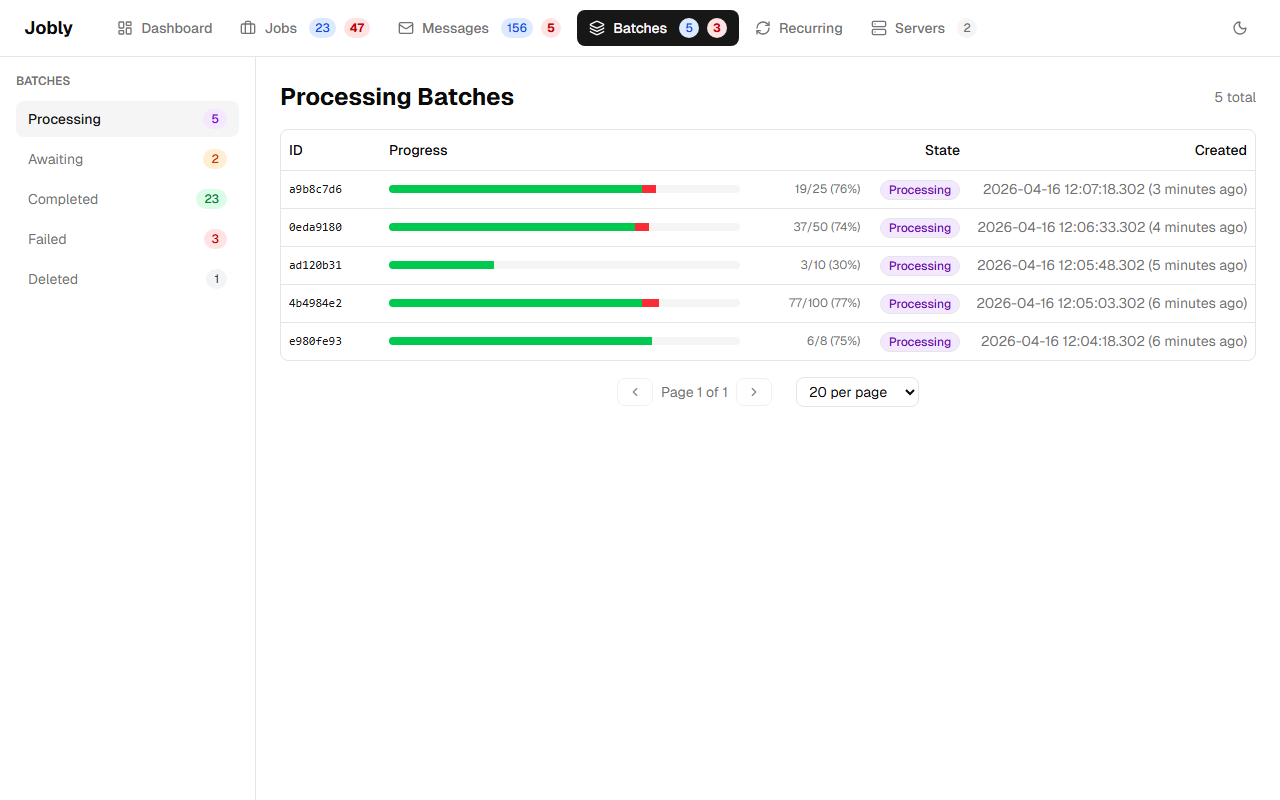
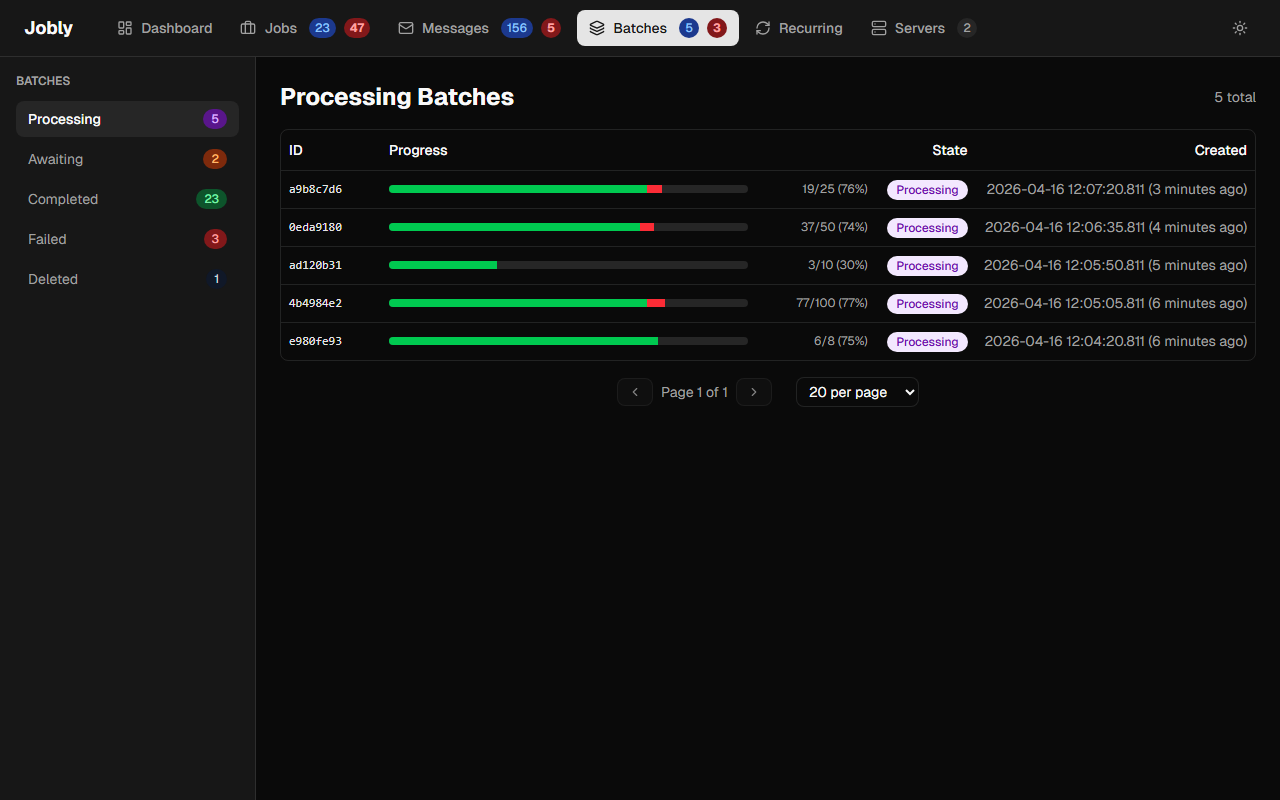
Each batch displays a stacked progress bar with green for completed jobs and red for failed jobs, giving an at-a-glance view of batch health. The progress bar uses navigation properties to compute live counts from the current child job states, so it always reflects the real-time status of the batch.
Click through to see individual batch jobs and their states.
Batch Detail
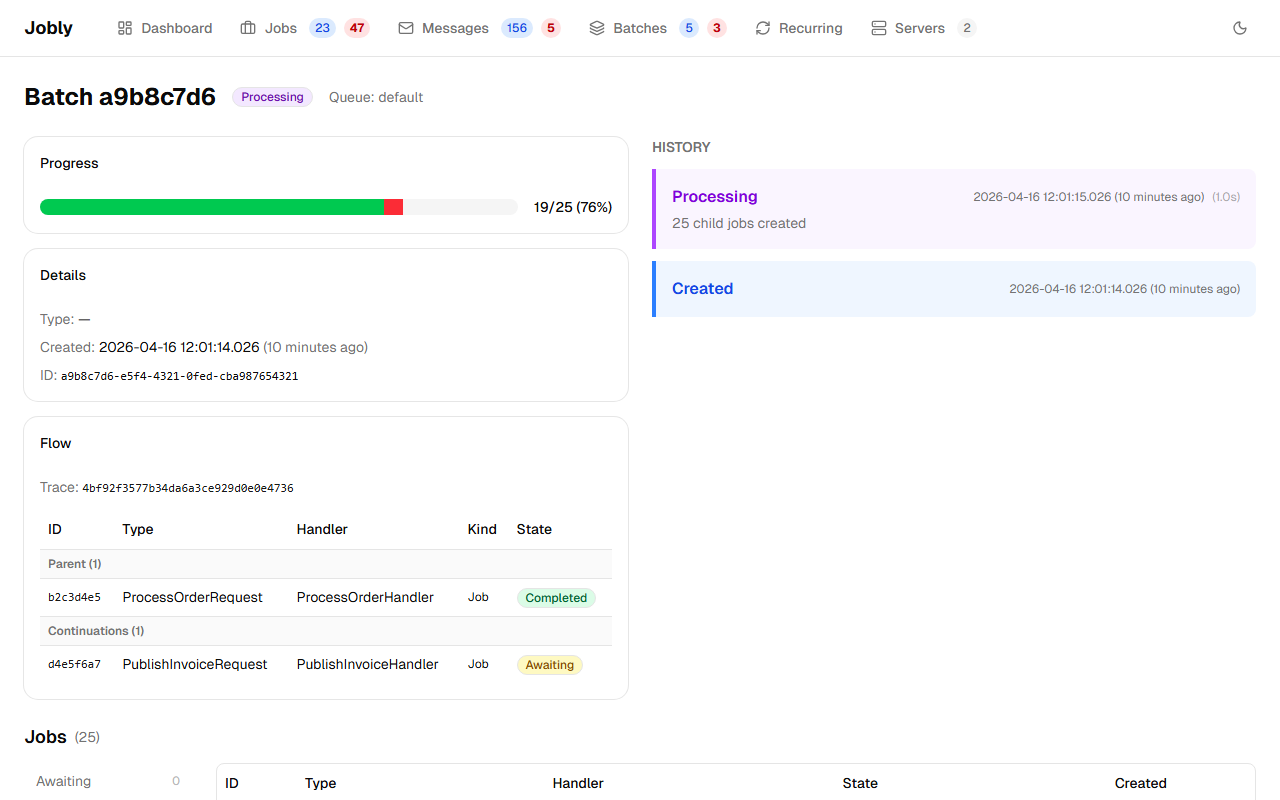
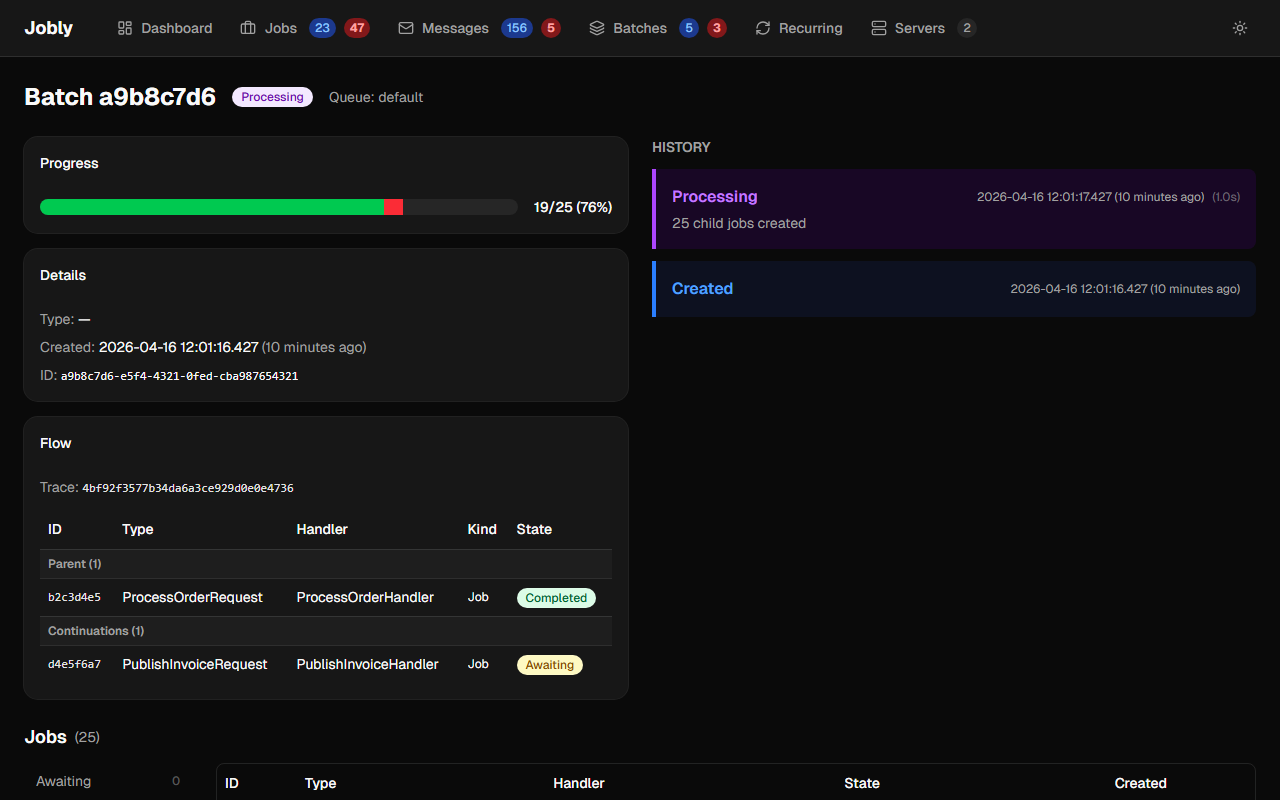
Shows the stacked green/red progress bar, creation time, full ID, and a table of all jobs in the batch with their current state.