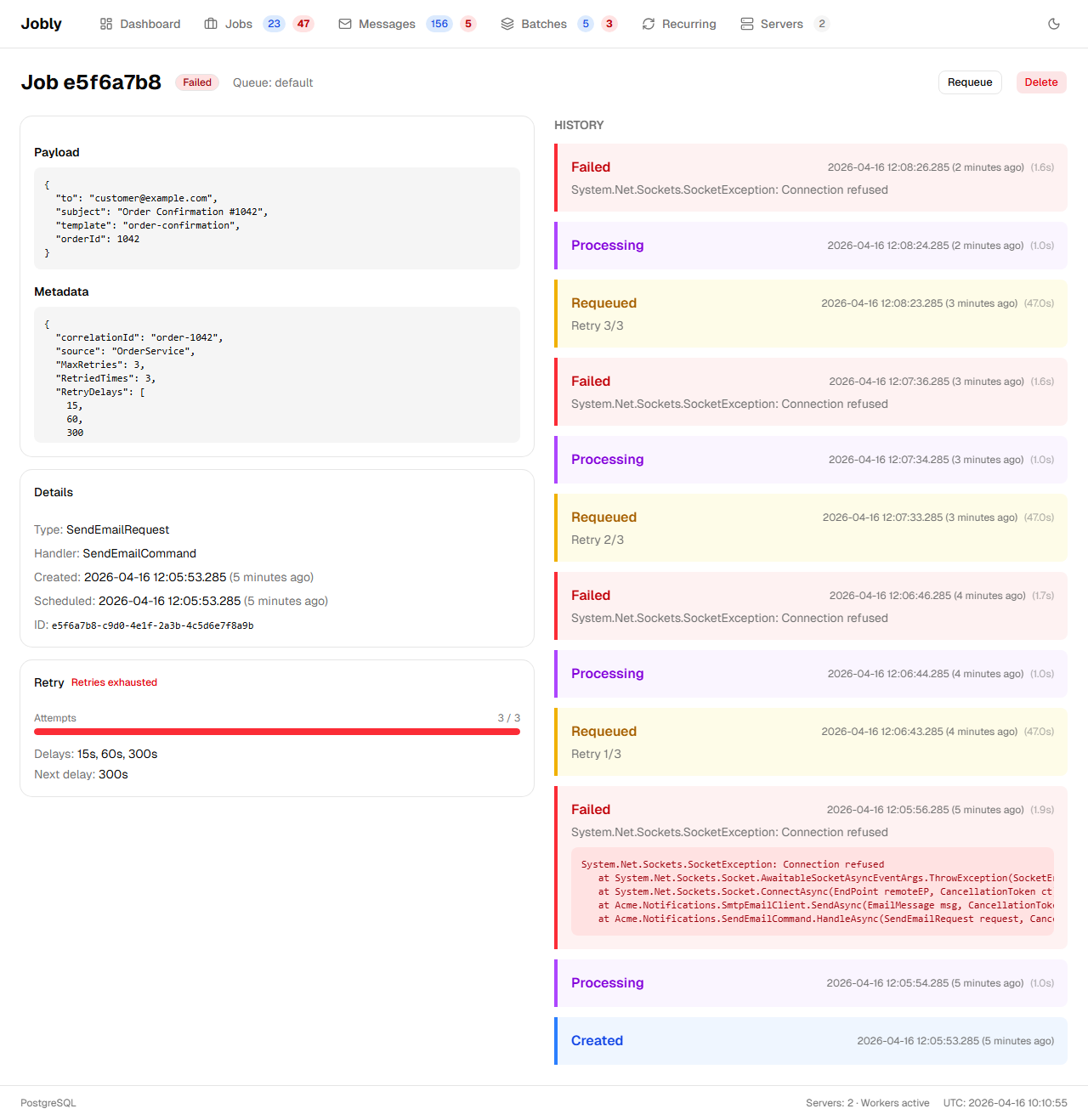
Jobs
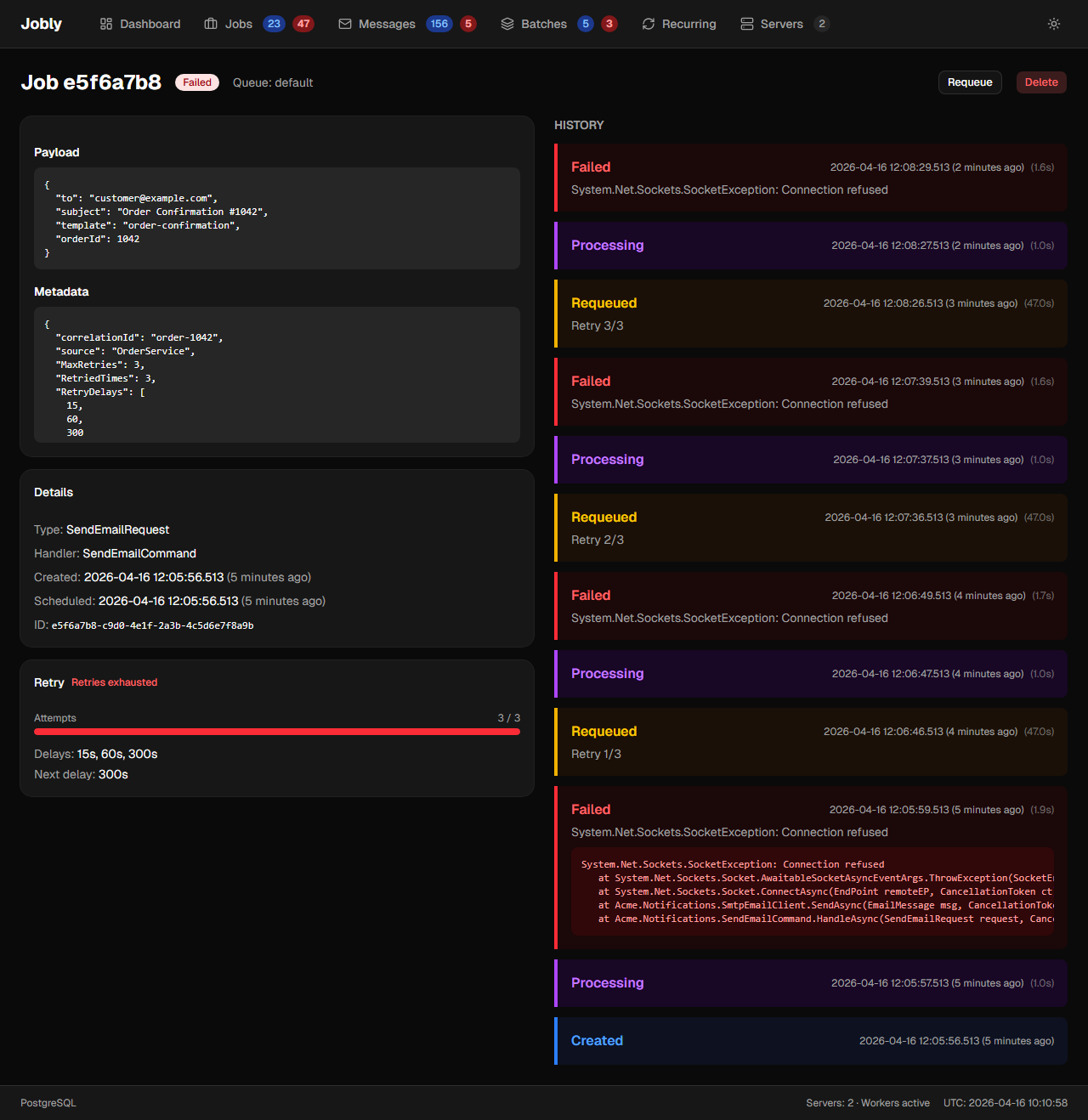
Browse jobs by state using the left sidebar: Enqueued, Scheduled, Processing, Completed, Failed, Awaiting.
Each state shows a count. Bulk requeue or delete with checkboxes.
Processing jobs that are being gracefully cancelled display a "Cancelling..." badge instead of the normal Processing badge. This indicates the worker has received the cancellation signal (CancellationMode = Graceful) and the handler's CancellationToken has been triggered, but the handler has not yet completed.
Failed Jobs Type Filter
The Failed state includes a type count bar at the top of the job list. Each bar segment represents a job type with its failure count. Click a type to filter the list to only that type. When a type filter is active, "Delete All" and "Requeue All" buttons appear, allowing bulk operations on all failed jobs of that specific type.
Requeue Behavior
Requeueing a job resets its ScheduleTime to now, so the job executes immediately rather than retaining its original schedule time.
Job Detail
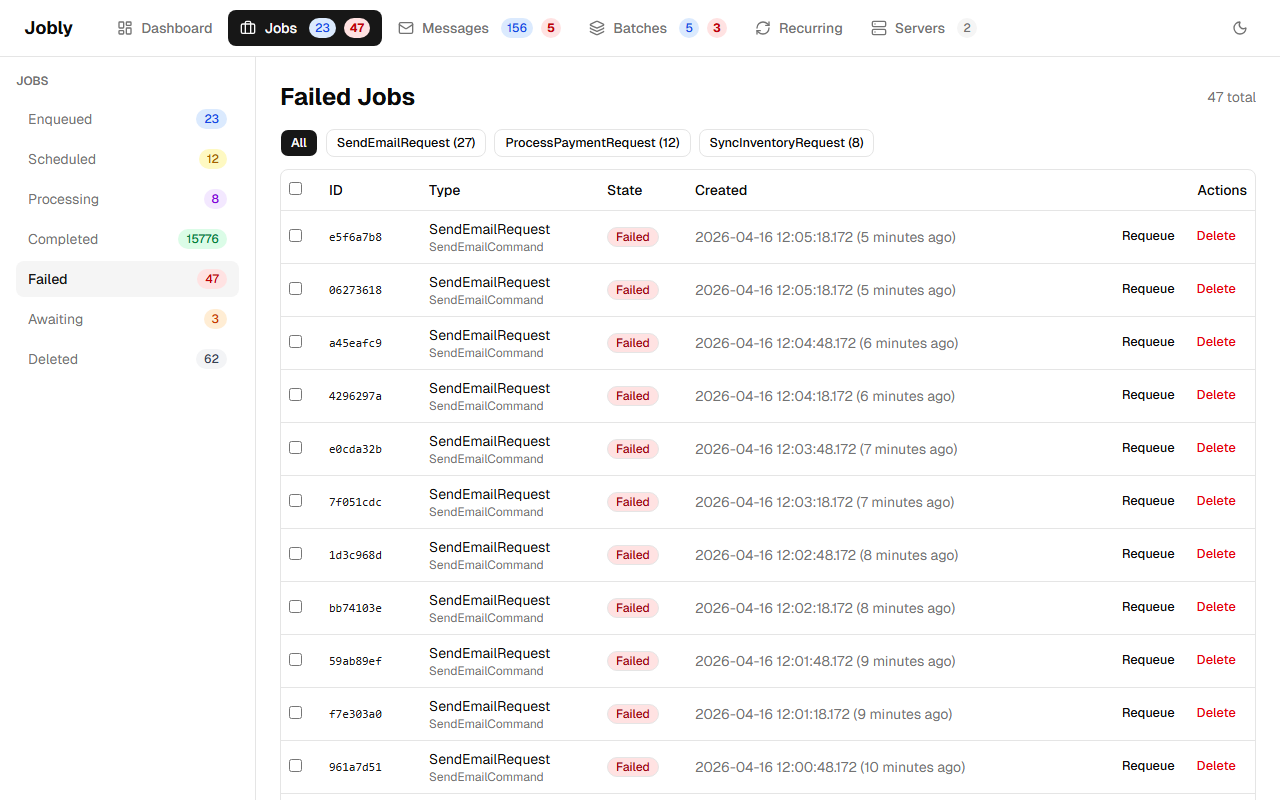
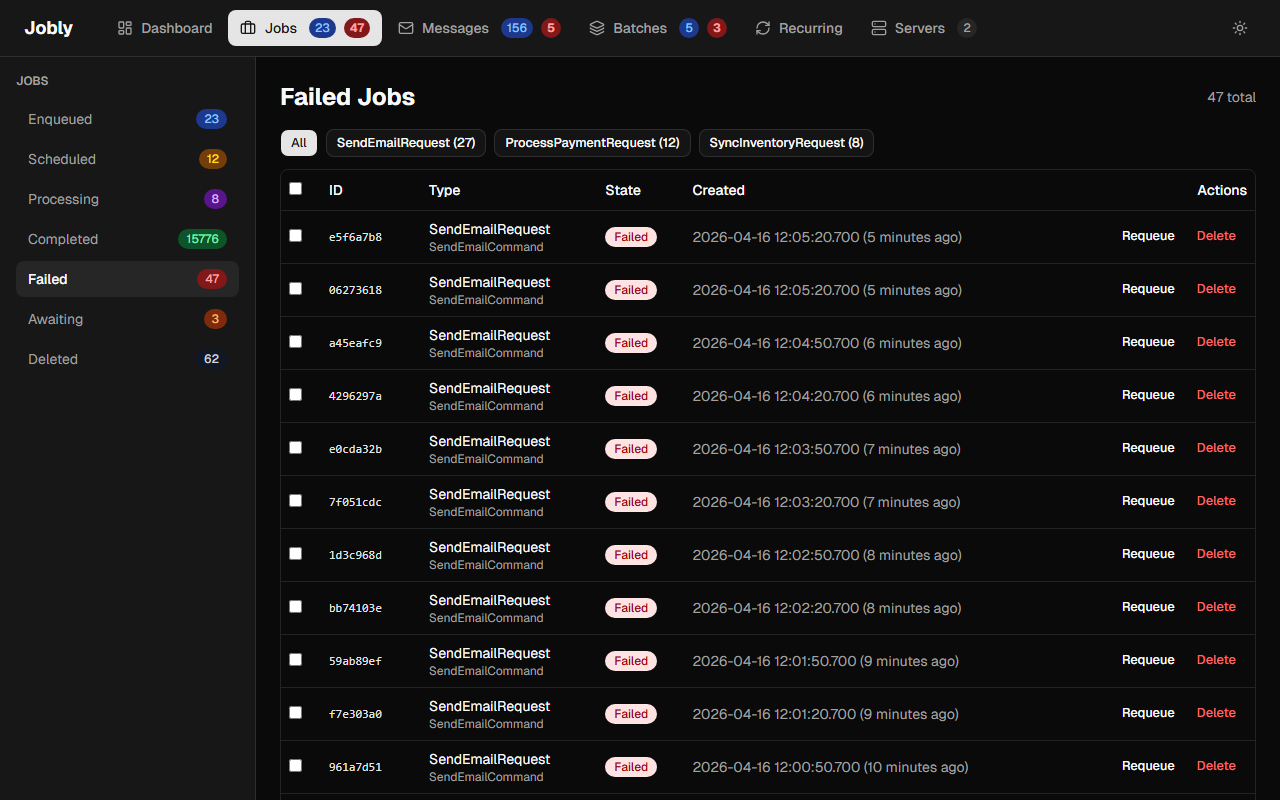
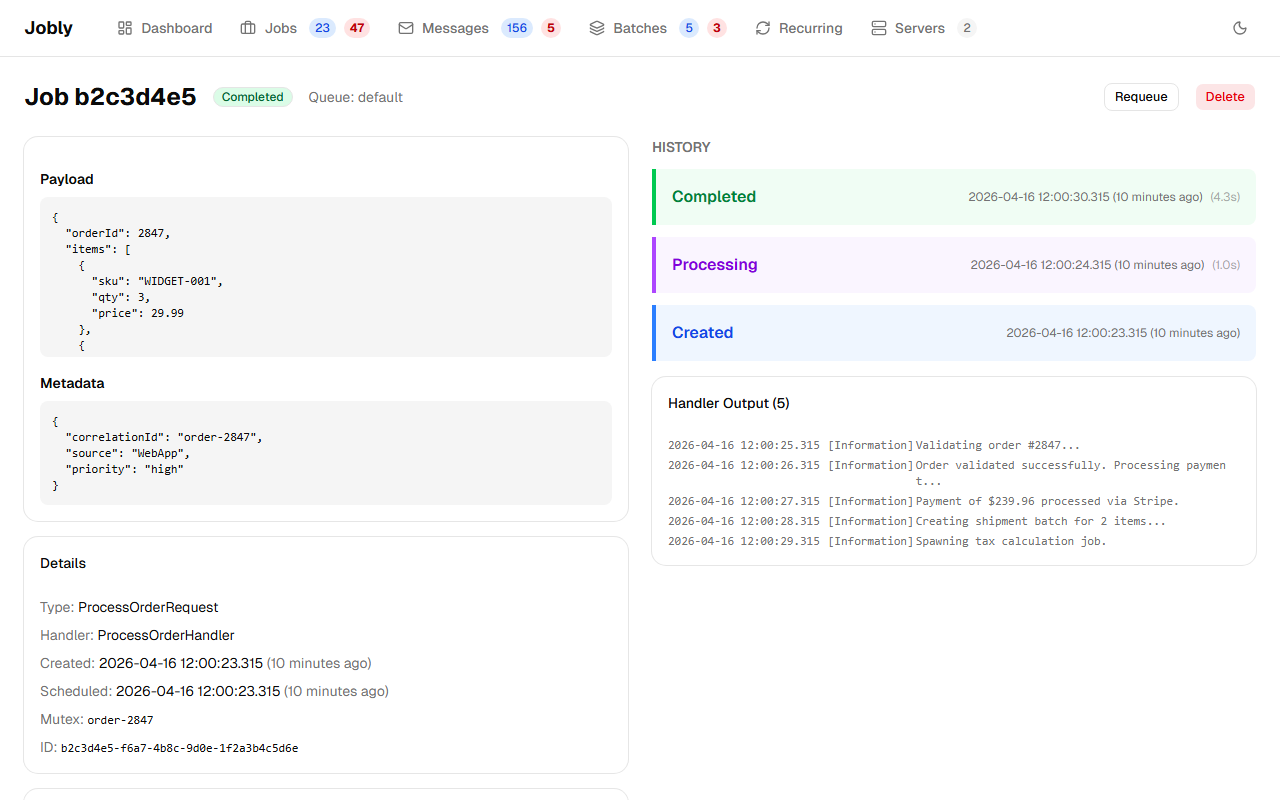
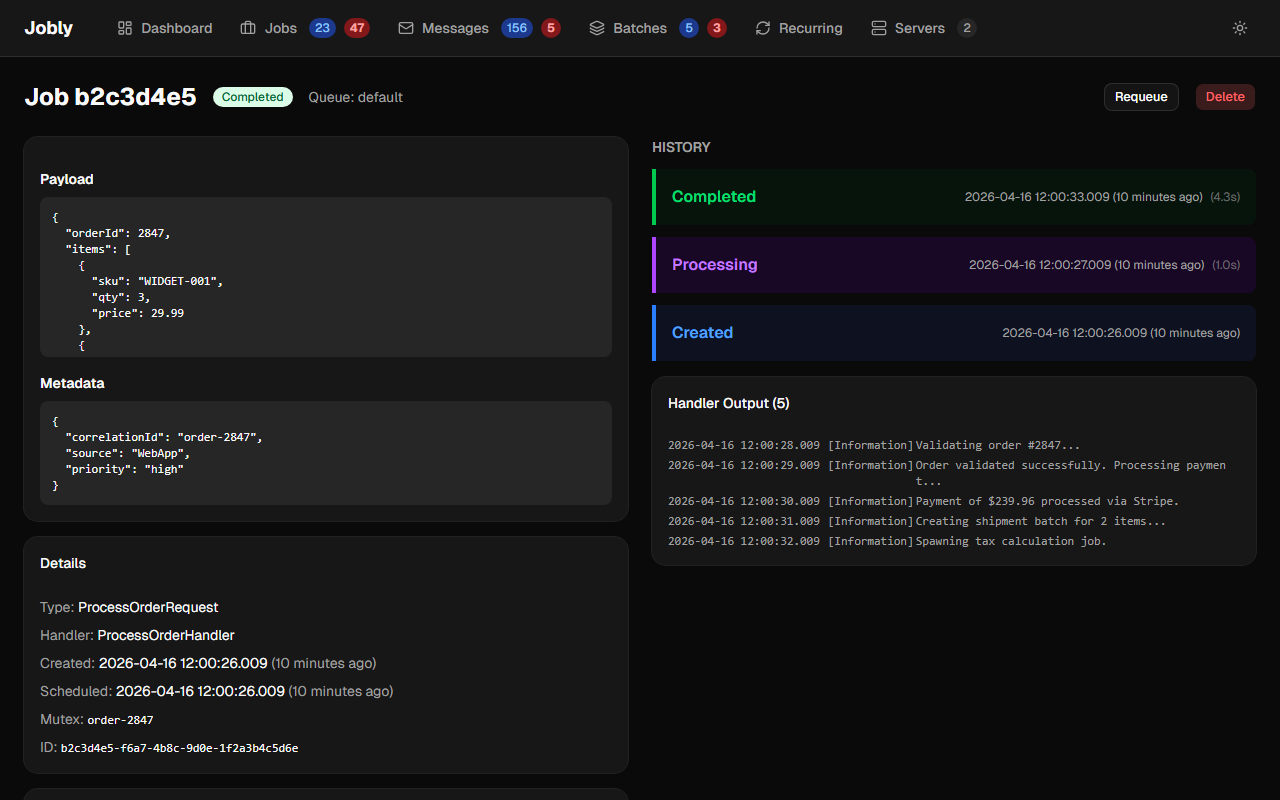
Click any job to see its full detail in a two-column layout:
Left column:
- Payload — The serialized job data
- Details — Type, handler, timestamps, retry count
- Flow — Trace ID, spawned-by link, message link, continuation link
- Trace — All jobs sharing the same TraceId (click to navigate)
- Sibling Jobs — Other jobs from the same message
- Child Jobs — Continuation jobs waiting on this one
Right column:
- History — Colored state cards (Created → Processing → Completed/Failed) with timestamps and durations
- Handler Output — Pipeline behavior logs and ILogger output captured during execution
- Exception — Full stack trace on failed jobs
Completed Job with Trace
Failed Job with Exception