Messages
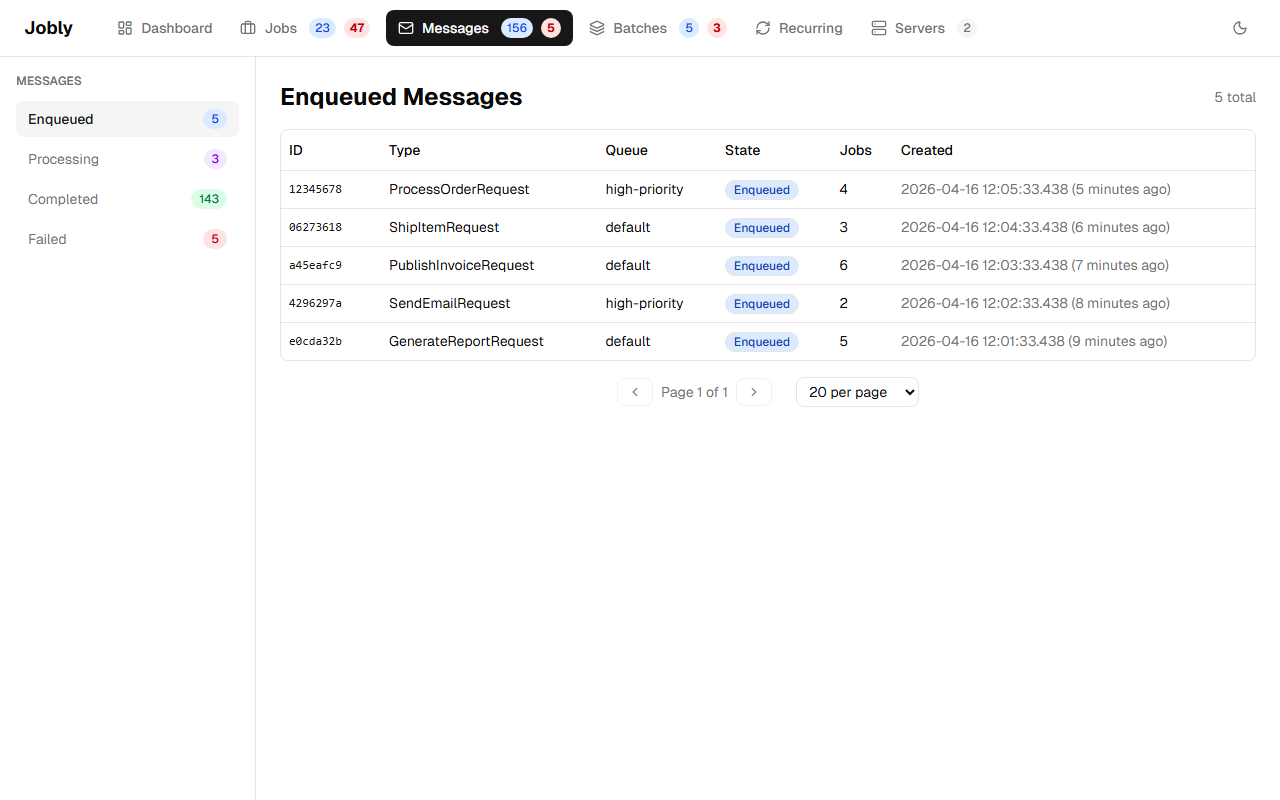
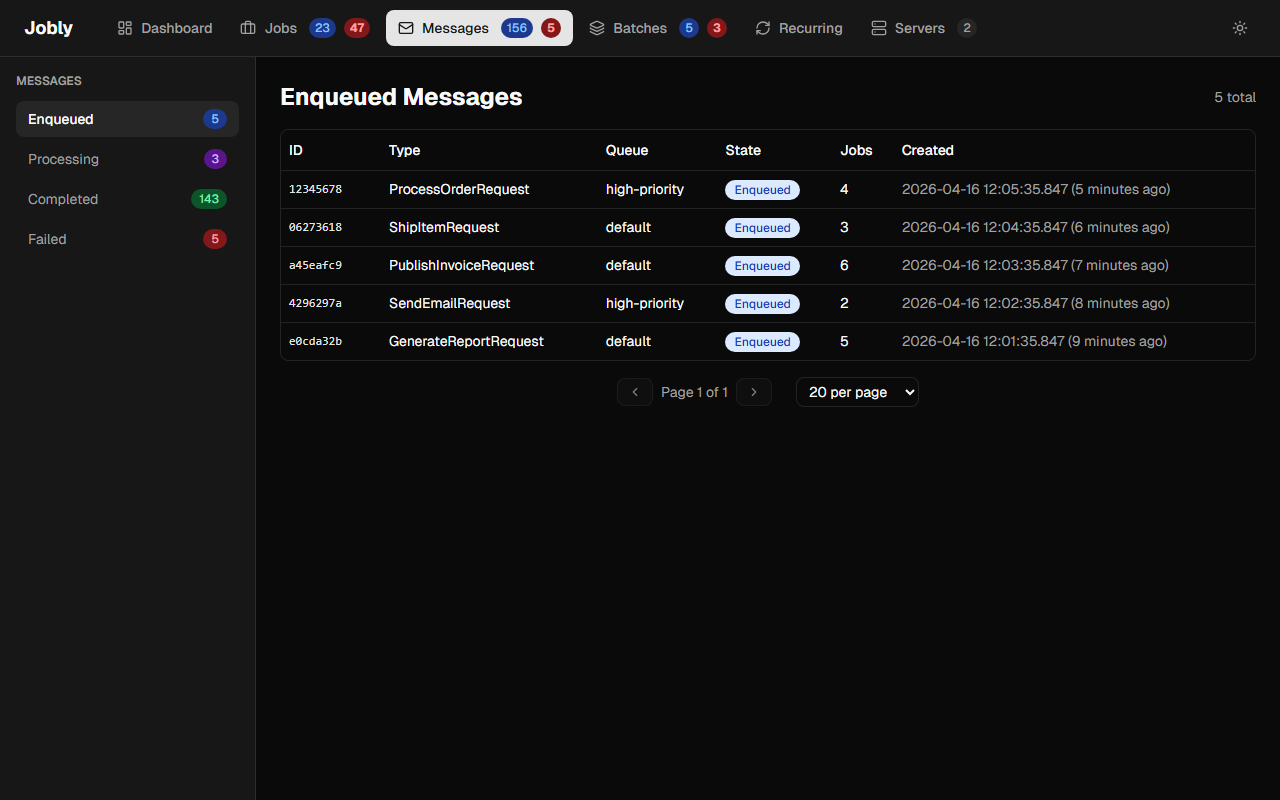
View pub/sub messages with their type, queue, state, job count, and creation time. Click to see the message detail with all spawned jobs.
The messages list shows a live job count for each message. This is the totalJobs value computed from the current child job records, not a stale jobCount snapshot. The count updates as handlers are discovered and child jobs are created by the MessageRouter.
Message Detail
The message detail page shows:
- Total jobs — the
spawnedJobsCount, reflecting all jobs spawned by the message - Spawned jobs table — lists every child job with its current state. State filter buttons let you narrow the list to specific states (e.g., show only Completed or only Failed jobs).