Servers
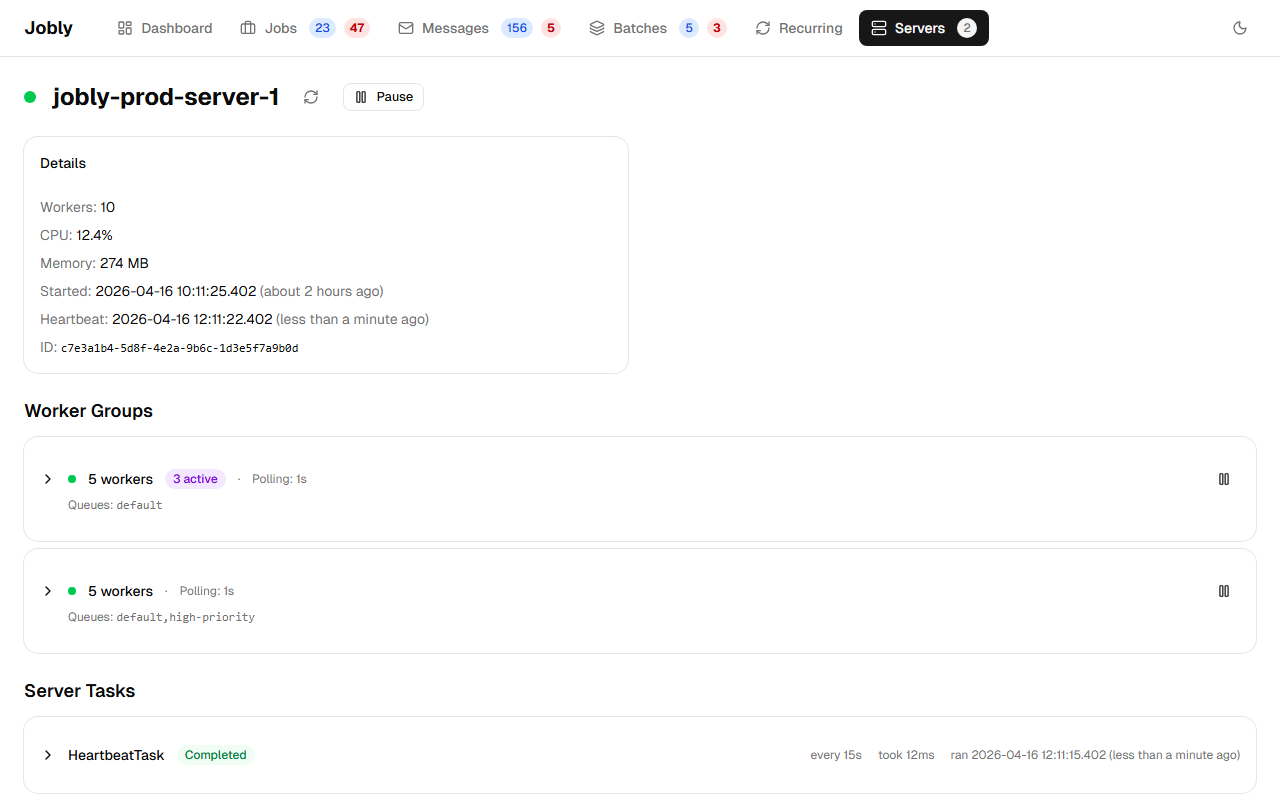
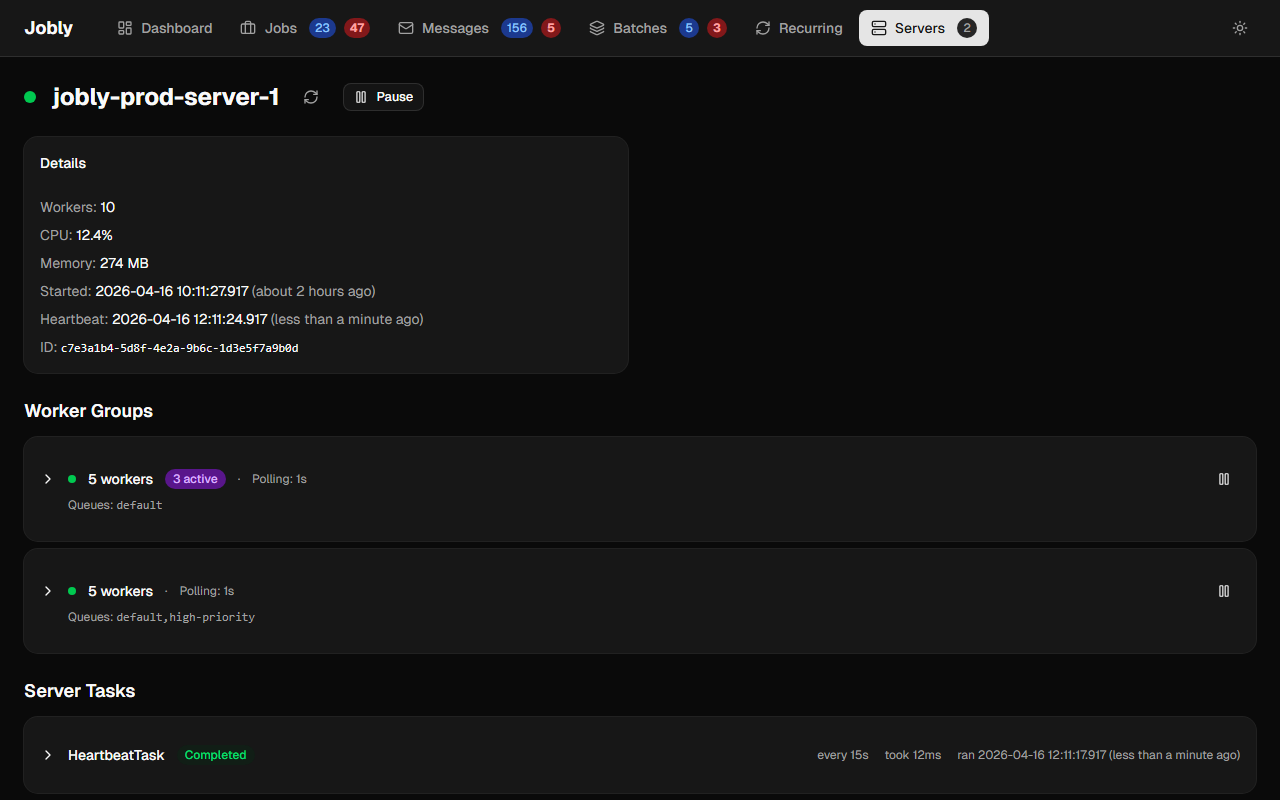
Live server and worker status. Shows custom server name, worker count, start time, and heartbeat. Each worker shows its current job (clickable) or "Idle".
Configure a custom server name:
builder.Services.AddJoblyWorker<AppDbContext>(options =>
{
    options.ServerName = "my-api-server";
});
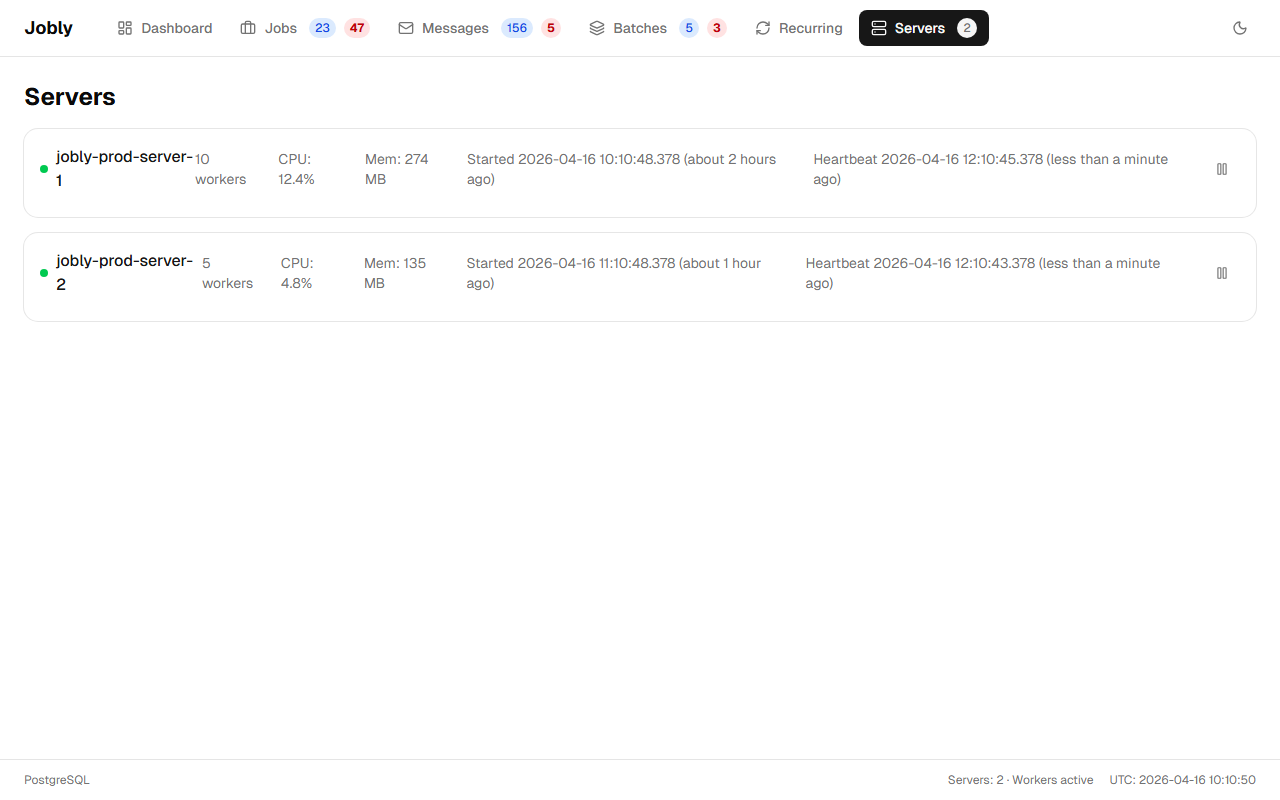
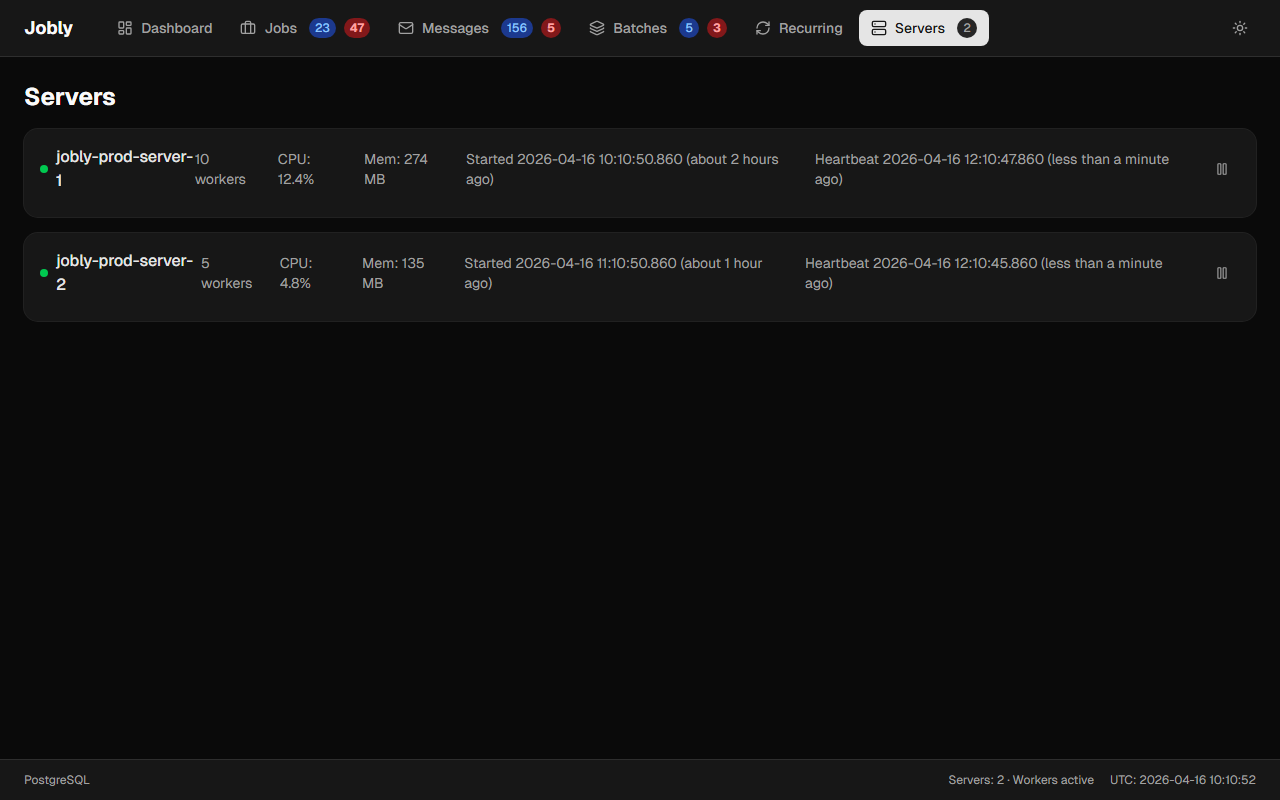
Click a server to see its detail page with worker groups and background task status.
Background Tasks
Each Jobly server runs 8 background tasks that handle orchestration and maintenance:
| Task | Default Interval | Purpose |
|---|---|---|
| Heartbeat | 10s (HealthCheckInterval) | Updates server heartbeat timestamp so other servers know it's alive |
| MessageRouting | 1s (MessageRoutingInterval) | Routes IMessage jobs to their handlers by creating child jobs |
| Orchestration | 10s (OrchestrationInterval) + signal | Finalizes parent jobs when all children complete, activates continuations |
| AggregateCounters | 5s (CounterAggregationInterval) | Rolls up write-optimized Counter rows into Statistic rows for the dashboard |
| StaleJobRecovery | 30s (StaleJobRecoveryInterval) | Requeues jobs stuck in Processing after worker crash |
| ServerCleanup | 30s (ServerCleanupInterval) | Removes dead servers that stopped sending heartbeats |
| ExpirationCleanup | 60s (ExpirationCleanupInterval) | Deletes expired completed/deleted jobs and old statistics |
| RecurringJobScheduler | 15s | Creates job instances when recurring job cron expressions fire |
All intervals are configurable via Configuration.
The server detail page shows each task's last status, duration, and run time: