Workers
Click any worker ID on the server detail page to see the worker's activity log.
Worker Detail
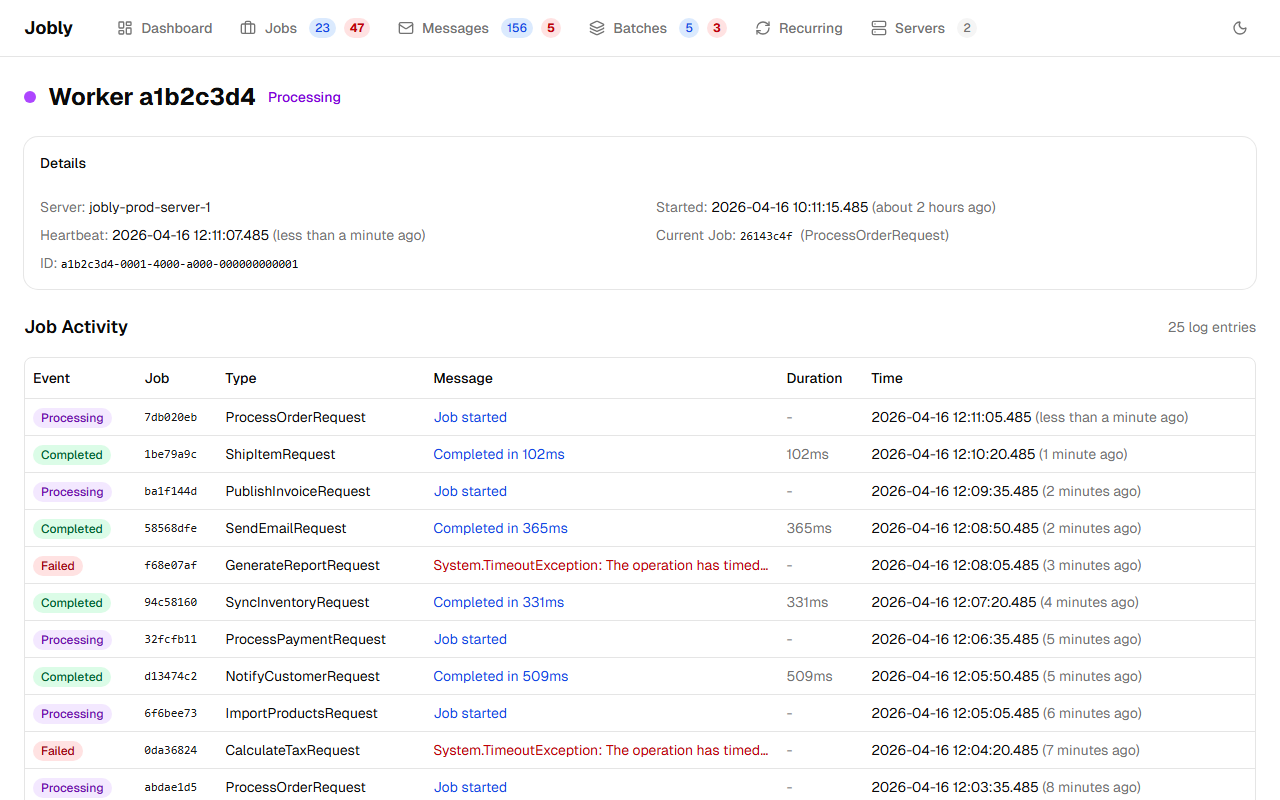
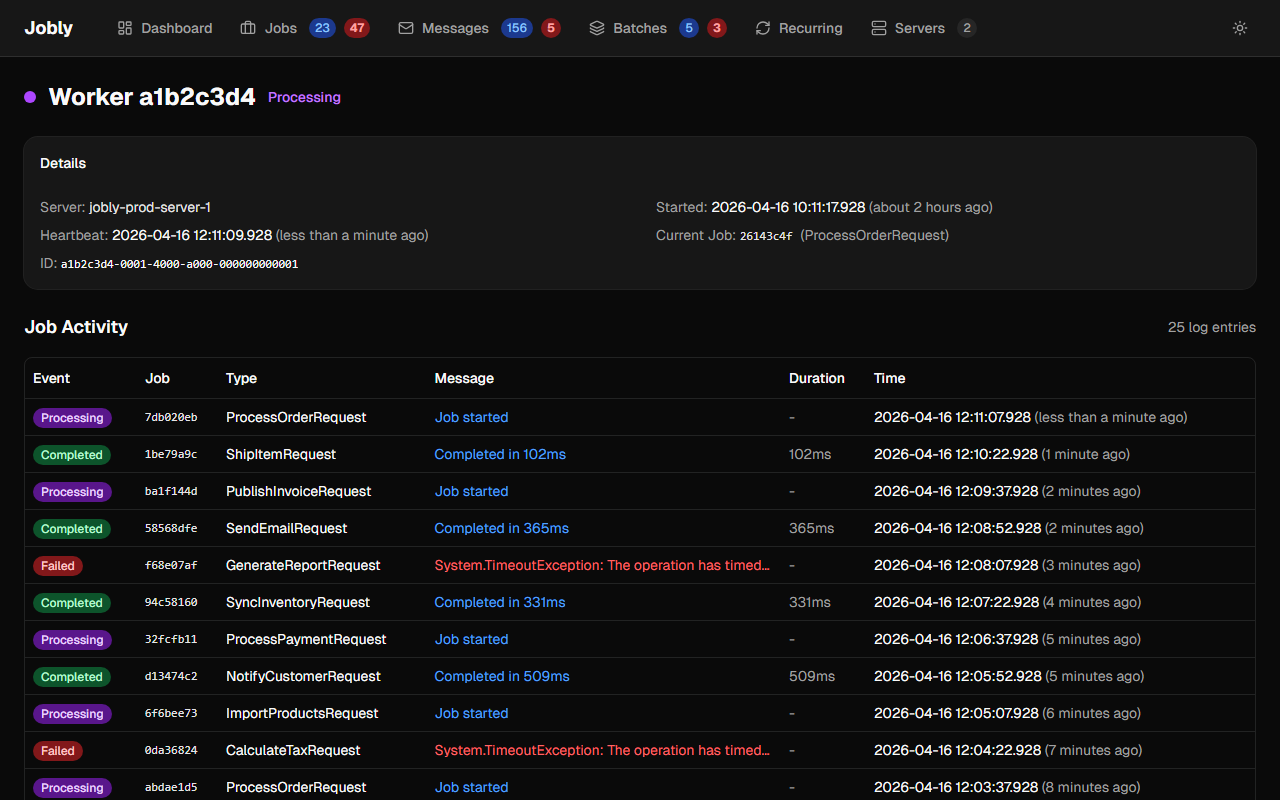
The worker detail page shows:
- Status indicator — purple when processing a job, green when idle
- Details card — server link, started time, heartbeat, current job (linked with type)
- Job Activity — paginated table of all log entries produced by this worker
Each log entry shows:
- Event — Processing, Completed, Failed, Cancelled, Requeued, Log
- Job — linked to job detail
- Type — job type
- Message — log message (colored by level)
- Duration — handler execution time
- Time — relative timestamp
Worker activity is tracked via the WorkerId field on JobLog. Only worker-produced entries (Processing, Completed, Failed, Cancelled, handler logs) have a WorkerId — command/orchestration entries have null.