Background Services
Dashboard view of WarpBackgroundService instances — long-running in-process work managed by Warp (restart-on-fault, optional cluster-singleton coordination, captured ILogger<T> output). The Services nav entry is always available; the list page is empty when no service is registered.
List Page
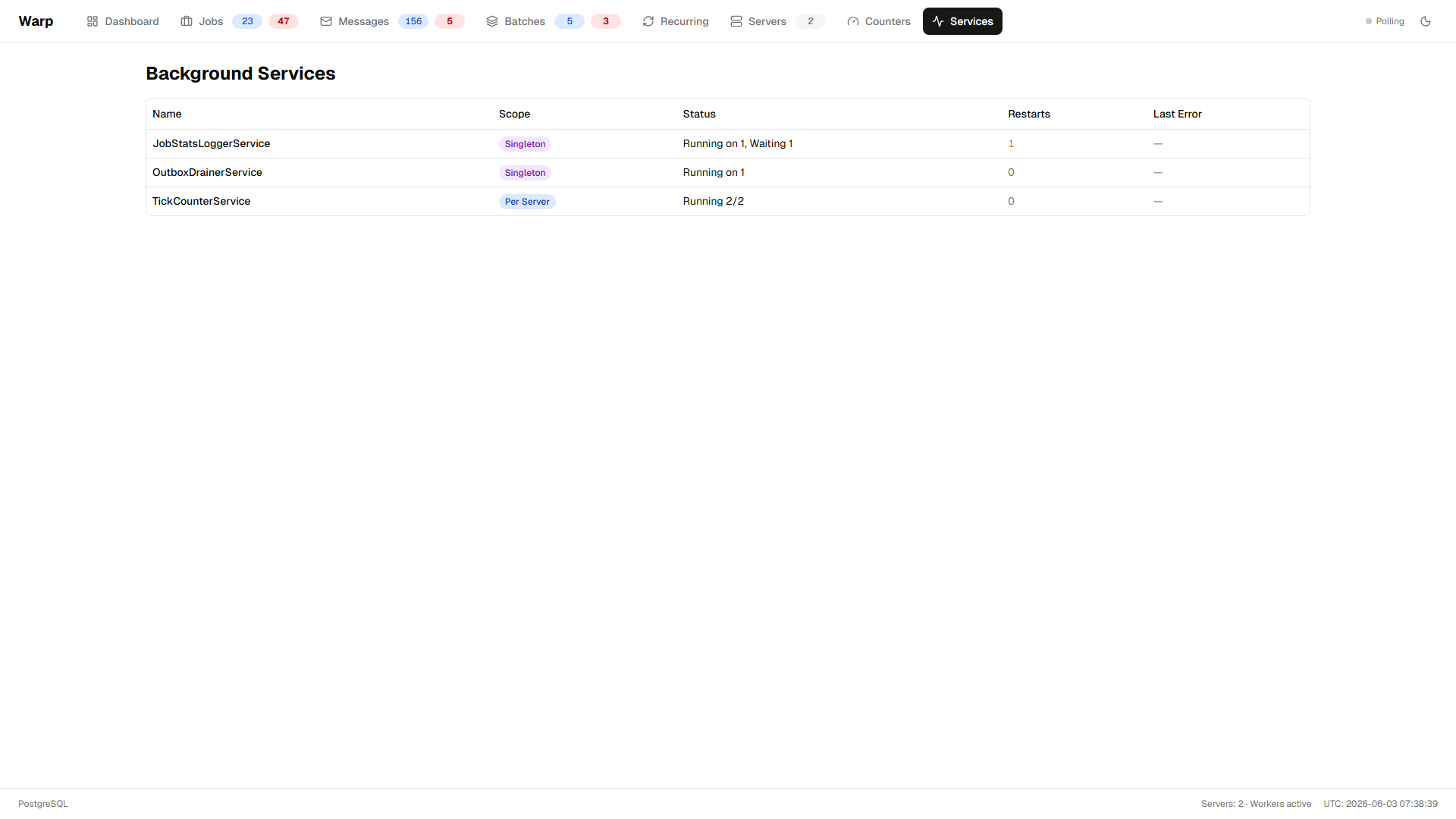
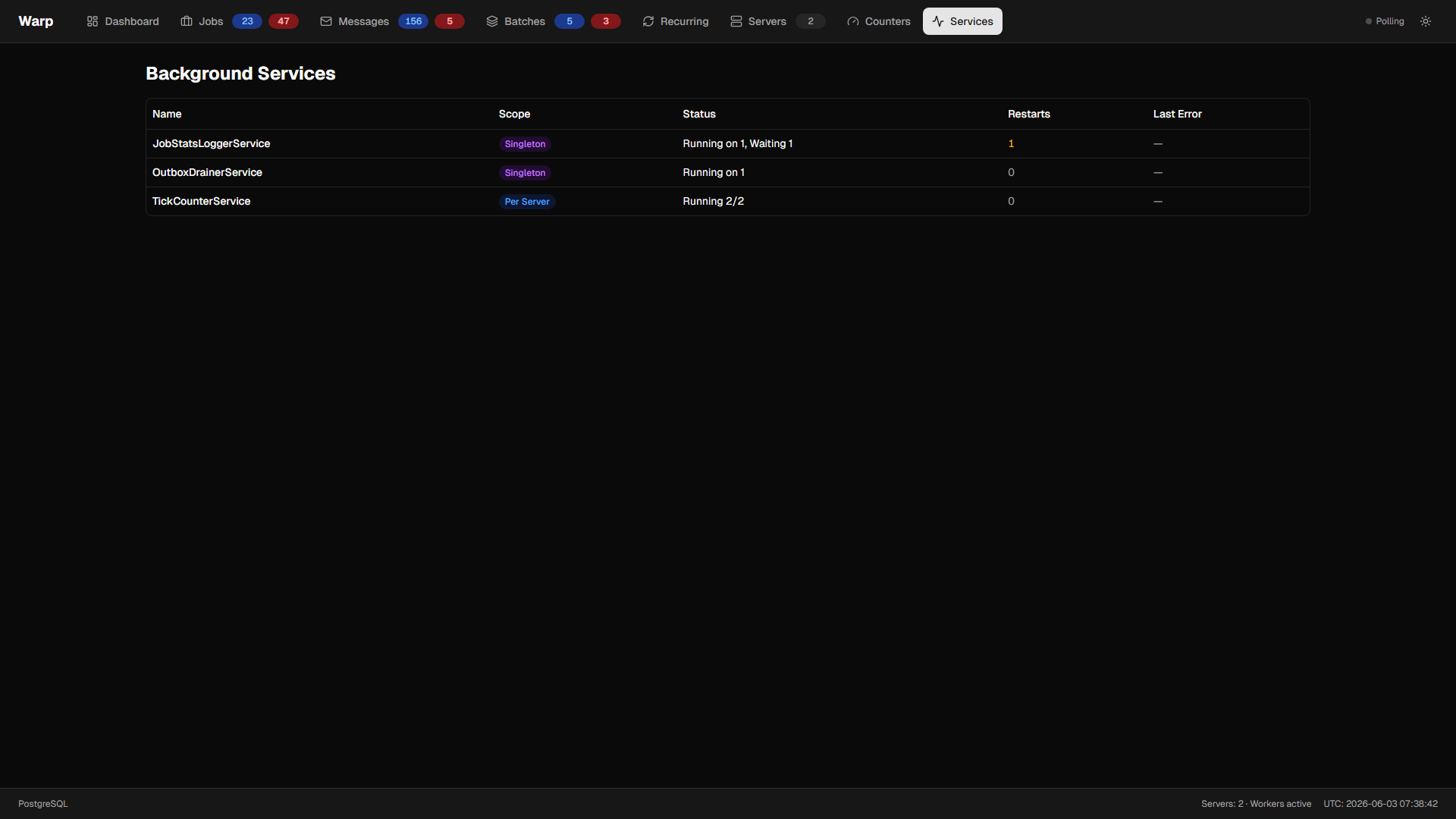
One row per registered service name, aggregated across all servers running that service.
- Name — the
WarpBackgroundService.Name(defaults to the CLR type name). - Scope badge —
Per ServerorSingleton. - Status summary — for per-server:
Running 3/3; for singleton:Running on warp-demo-server, 2 waiting. - Restart count — sum across all instances of this service.
- Last error type — the exception type from the most recent fault if any instance is currently
Faulted. Empty otherwise. - Configuration mismatch badge — appears when a rolling deploy ships a service with a different
Scopethan the existingDefinitionrow. Warp refuses to run user code on the mismatched server until the deploy converges.
Polls every ~2 s while open. Services are ordered by FirstSeenAt (oldest registered first) so the list stays stable across refreshes.
Detail Page
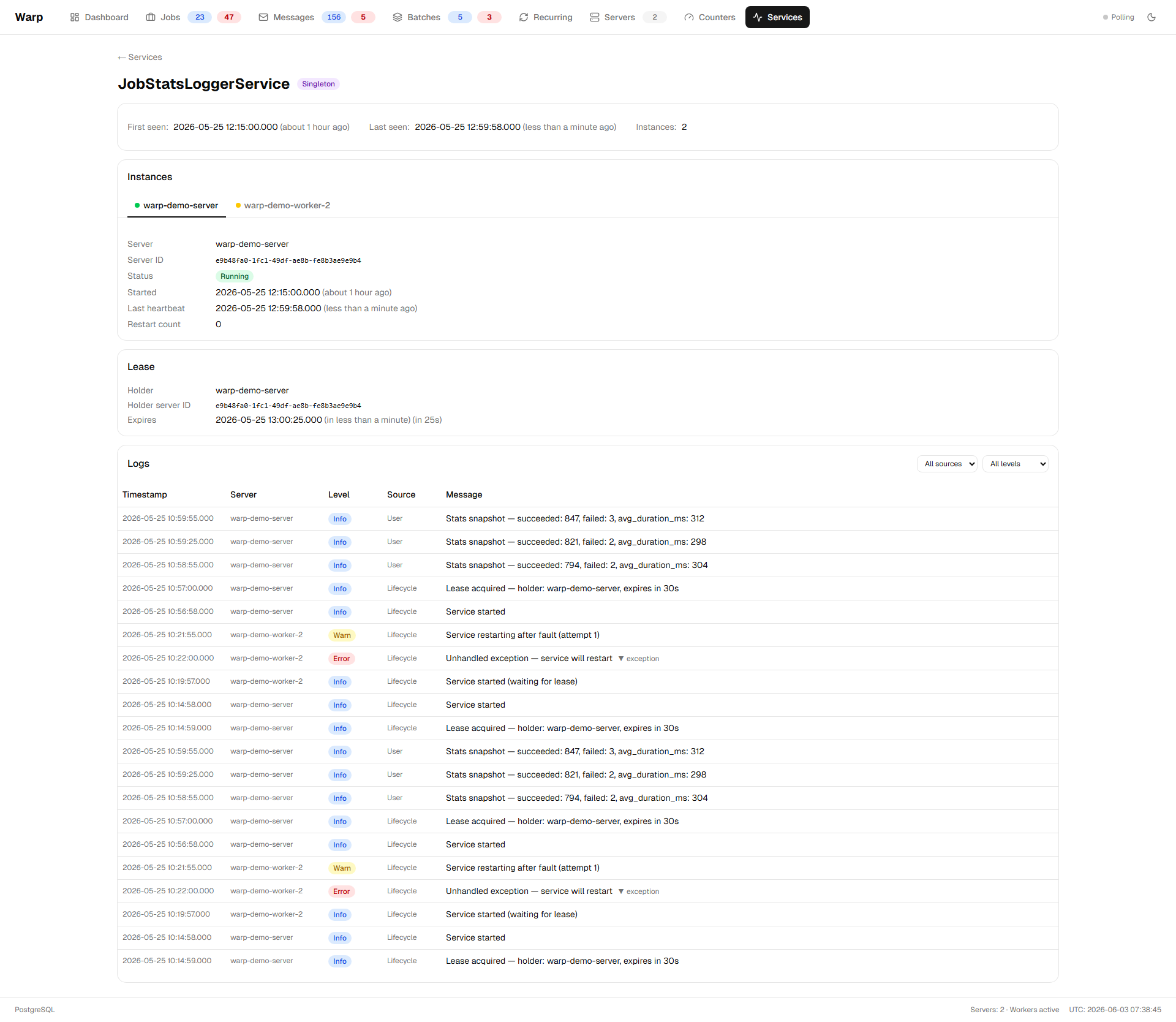
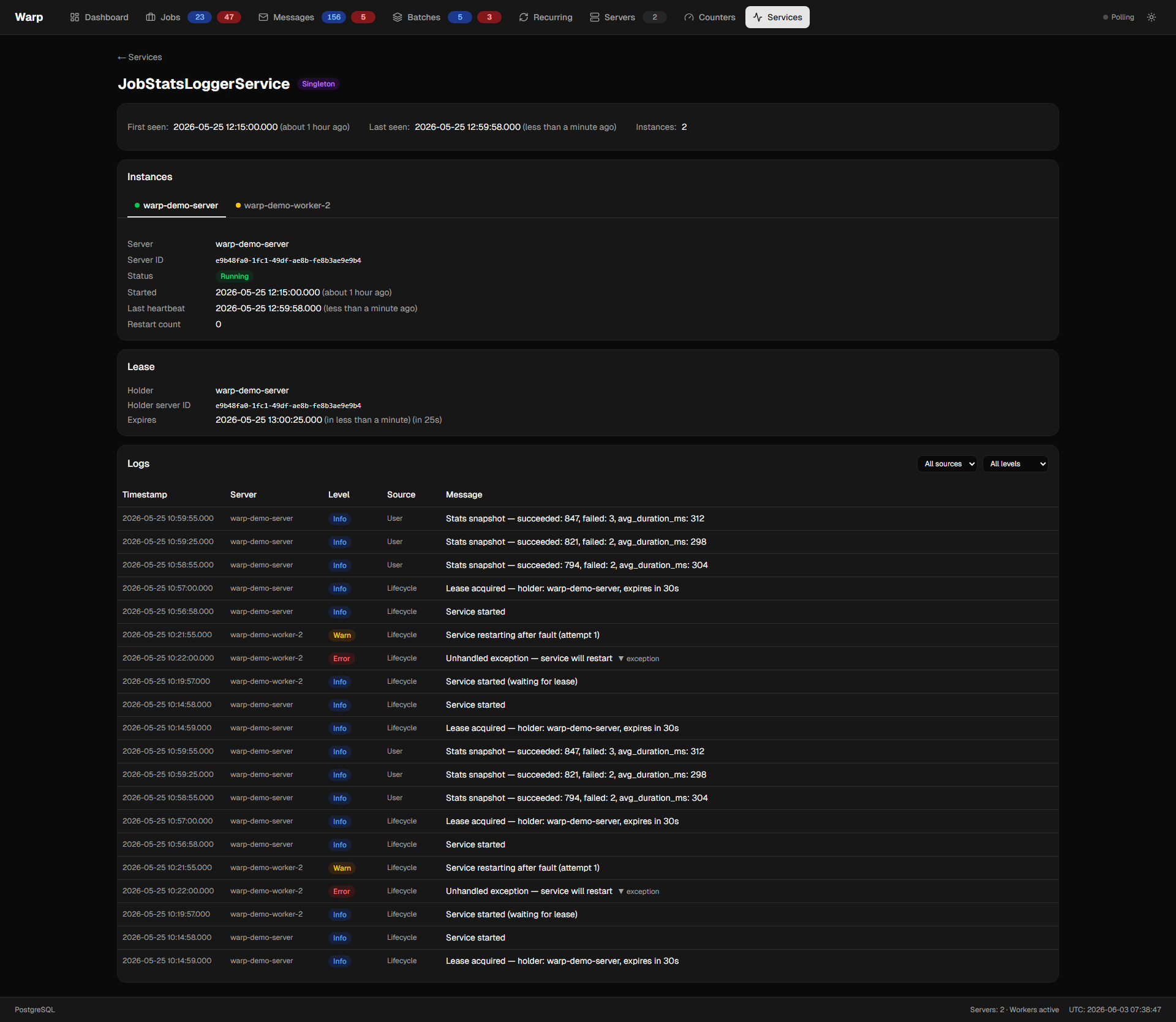
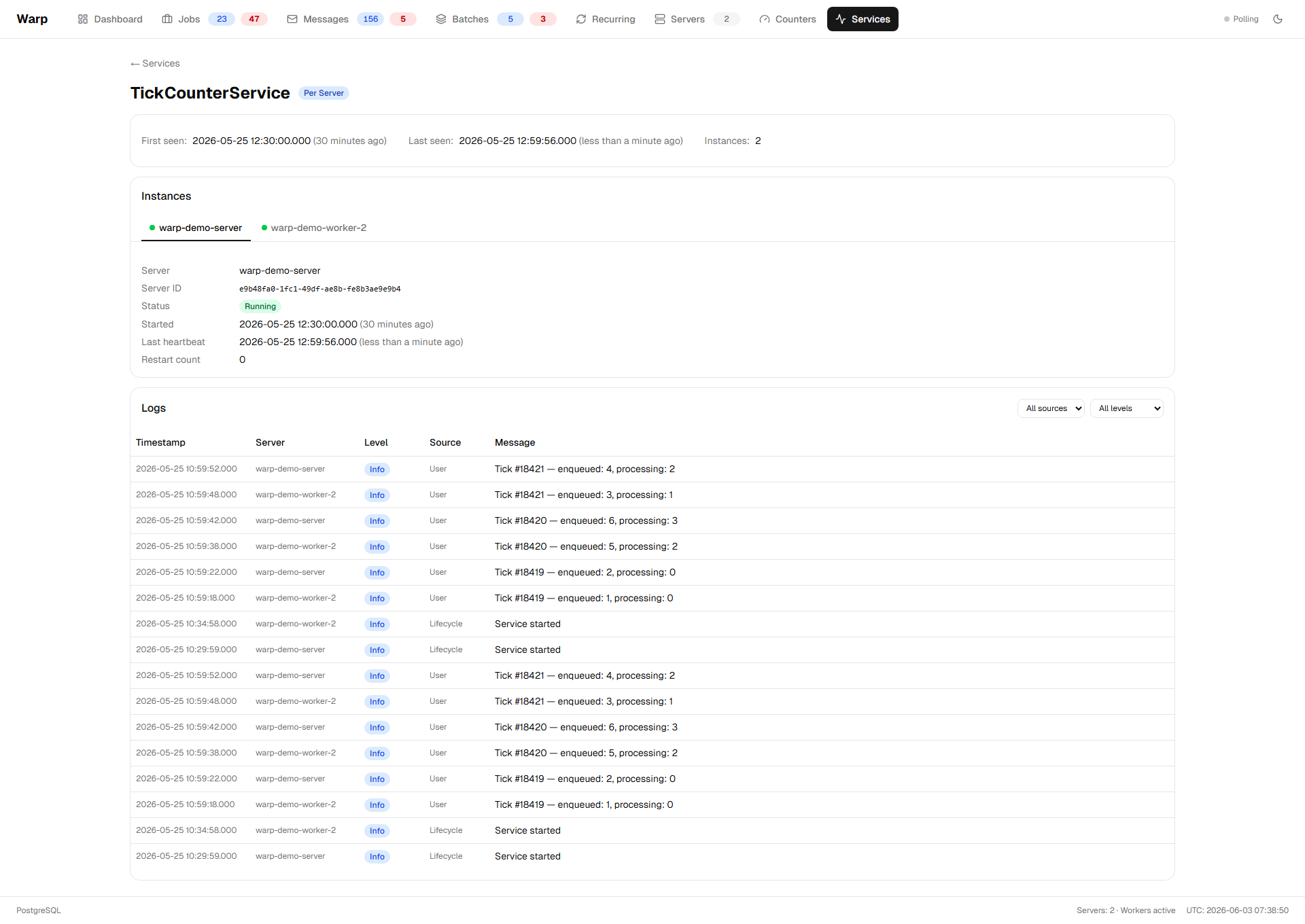
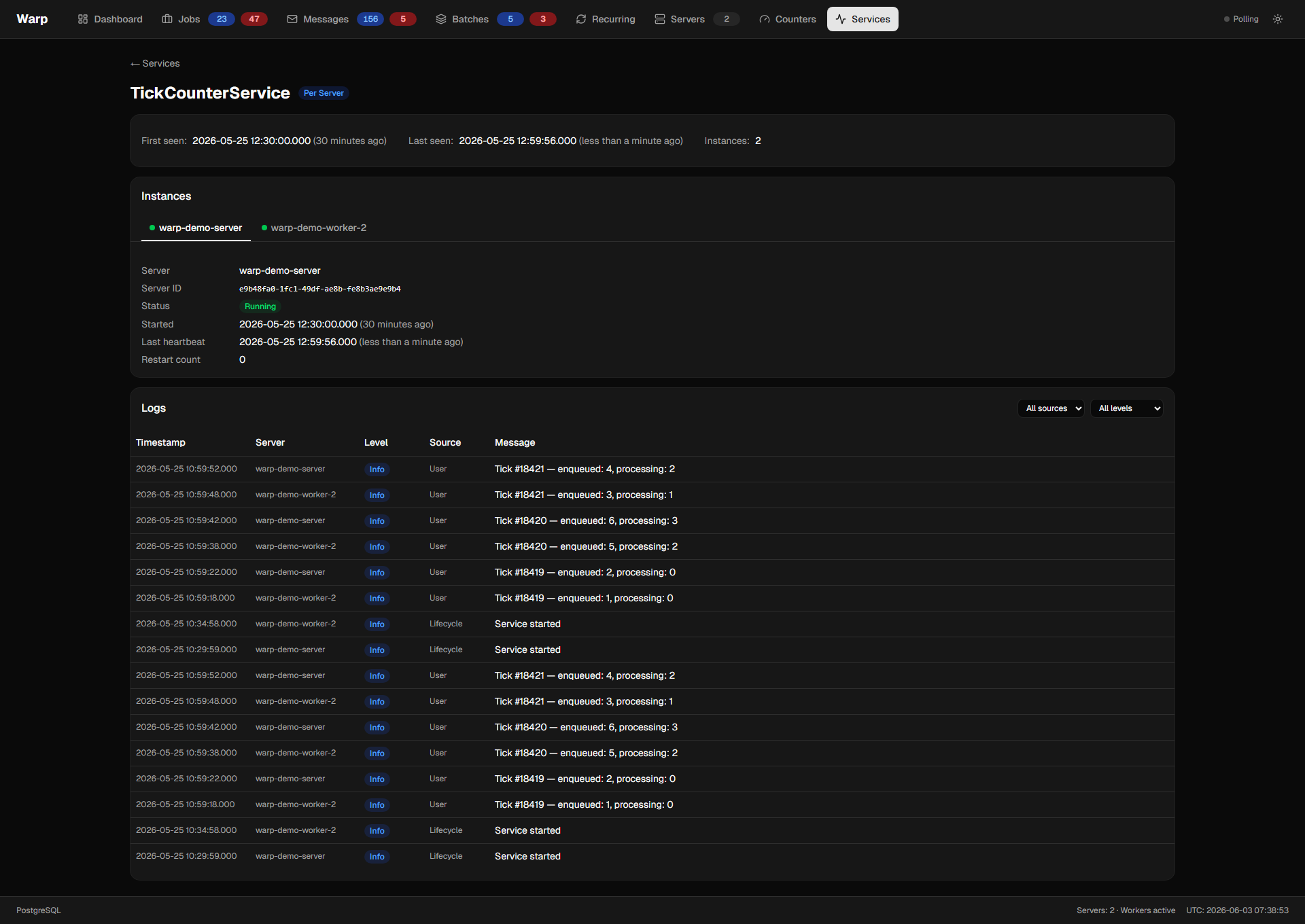
Per-service drill-down. The header shows the scope, when the service was first registered, and when it was last seen.
Per-Instance Tabs
One tab per server with an Instance row for this service. Tab labels show the server name (resolved through the EF nav property; the Guid is still surfaced as a secondary line for debugging). Tabs are ordered by StartedAt — longest-running instance first — so the order stays stable across polls.
Each tab shows:
- Status —
Running,Waiting,Faulted,Restarting, orConfigurationMismatch. - Started at — when this supervisor entered the current
Runningwindow. - Last heartbeat — refreshed every ~3 s by the
Heartbeatserver task. - Restart count — current accumulated count (resets to 0 after a successful run of ≥ 5 minutes).
- Last error — full captured exception when the instance is in
Faultedstate. Already 4 KB-capped at capture time, so no further truncation in the dashboard.
Lease Panel (Singleton scope only)
For services with Scope = Singleton, a Lease panel renders below the instance tabs:
- Holder — the server name currently holding the lease.
- Holder server ID — the Guid for debugging / log correlation.
- Expires — live TTL countdown to
LeaseExpiresAt. The Heartbeat task on the holder renews this every ~3 s; if the holder dies, the lease expires after ≤ 30 s and another server acquires.
Per-server services don't render this panel (each instance is independent).
Log Tail
Combined log view across all instances of this service.
- Source filter —
All,Lifecycle(events emitted by the supervisor:Started,LeaseAcquired,LeaseLost,Faulted,Restarting,Stopped,ConfigurationMismatch), orUser(entries from yourILogger<T>calls insideExecuteAsync). - Level filter — minimum severity from
Information+up toCritical. - Server column — readable server name per row (Guid available on hover).
- Expandable exceptions — click any entry with
ExceptionTypeset to reveal the full exception message inline.
Polls incrementally every ~2 s using the highest seen log id as a cursor, so the tail stays at the head without refetching old rows.
For per-server services the same log table is shown — entries from each server's instance are interleaved chronologically with a Server column to disambiguate.
For full feature documentation — scope semantics, lease coordination details, captive-scoped-dependency foot-gun, log capture guardrails, telemetry counters — see Background Services.