Concurrency limits
Runtime view of every admin-managed concurrency limit. Used to override the slot count baked into [Mutex] and [Semaphore] attributes — useful when you need to scale a downstream concurrency cap up or down without redeploying.
What this page shows
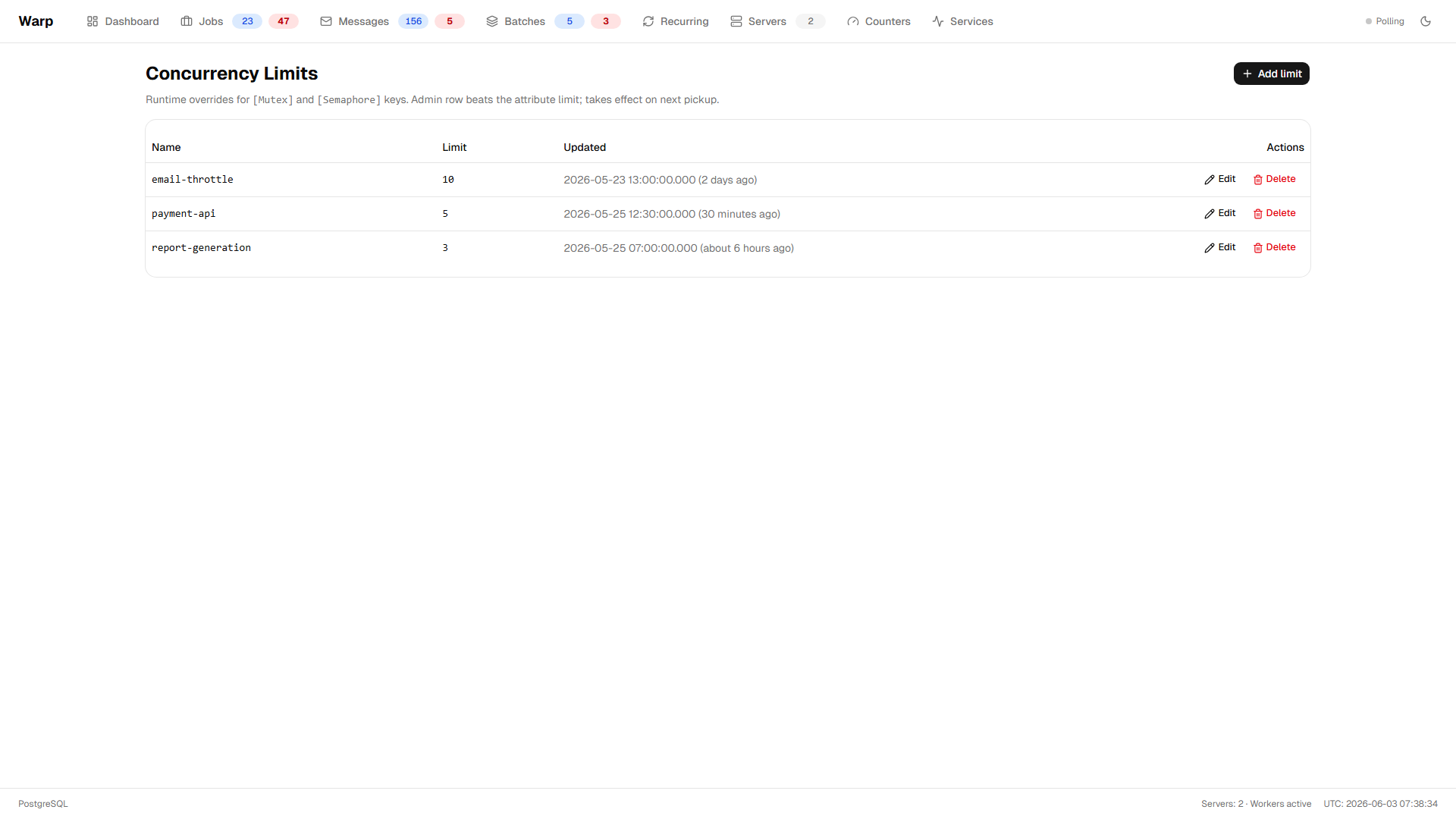
The table lists every row in the ConcurrencyLimit table — admin-managed overrides that apply to any job whose [Mutex] / [Semaphore] key matches. Each row has:
- Name — the concurrency key (matches the
[Mutex("k")]or[Semaphore("k", N)]argument). - Limit — the effective slot count.
1is a Mutex-style mutual exclusion;>1is a Semaphore-style concurrency cap. - Updated — last time the row was changed via the API or this page.
Polled every 5s.
Editing a limit
- Inline edit — click the
Limitcell, type a new value, press Enter (or blur the input) to save. - Delete — click the trash icon on a row to remove the override. The job's attribute / extension limit takes over again.
- Add limit — click "Add limit", enter a name and slot count, save. If a row with that name already exists it's overwritten (upsert semantics — matches
IConcurrencyLimitManager.AddOrUpdateLimit).
How limits interact with attributes
When a worker picks up a job that has a concurrency key, the effective limit is resolved with this precedence:
- Admin row in the
ConcurrencyLimittable (anything edited on this page) - Attribute / extension limit from
[Mutex],[Semaphore],WithMutex, orWithSemaphore - Default of 1 (mutual exclusion) if neither is set
So an admin row of 5 overrides [Mutex("payment-api")] (limit 1) and lets 5 jobs run concurrently. Removing the row reverts to the attribute's value. Admin rows are sticky across redeploys — they live in your application's database, not in source — so once an operator overrides a key, future deploys keep that override until somebody clears or rewrites it.
See Concurrency control for the full primitive.
When the page is hidden
The Concurrency tab is only visible when opt.AddConcurrency() is registered. Without that addon the backend endpoints under /warp/api/concurrency return 404, the frontend probes the route on layout mount, and the nav link is hidden when the probe comes back 404.