AI & MCP
Let AI assistants query your data, governed.
Beacon's MCP server gives Claude, Cursor, VS Code and your own agents eight tools to explore a project's catalog and run read-only SQL. Every call is scoped to the caller's projects, checked by the same gate as the rest of Beacon, masked and audited.
- 8built-in tools
- Executescope to connect
- Every callaudited, failures too
- get_contextShop analytics · 2 data sources
- get_query_contextshop-db · PostgreSQL · verified join
- dry_runvalid · 1 PII column
- query3 rows · 41 ms
| customer_id | email masked | orders |
|---|---|---|
| 58120 | a***e | 14 |
| 11904 | m***e | 11 |
| 73455 | t***e | 9 |
From a question to masked rows, in eight stages.
The ask tool does not pipe a prompt straight into SQL. Each question passes routing, grounding, generation and validation before anything reaches the database, and the result is capped and masked before it leaves the server.
- RouteThe model picks the data source or sources. Skipped for a single-source project.
- GroundM-Schema, verified join paths, glossary, verified examples and learned patterns.
- GenerateSQL in the data source's own dialect, checked by deterministic semantic lint.
- GateRegex guardrail, AST read-only validator, cross-database rule, row cap.
- Dry run, repairA failure goes back with the error, redacted by class, and a refreshed schema.
- ExecuteRead-only path, 30-second timeout, 100 rows on one data source.
- MaskPII values are masked (a***z) before the result leaves the server.
- AuditAn audit row and a learning signal, on success and on failure.
Cross-source questions. When a question spans several data sources, Beacon queries each one separately and joins the results in an in-memory SQLite database.
Database backstop. On PostgreSQL and MySQL the statement also runs inside a read-only transaction. On every engine, the read-only login you connect with is the database-level boundary.
Your own SQL instead. Agents that want full control use get_query_context, write the SQL, check it with dry_run and run it with query.
Eight built-in tools, and two families you add.
Every tool is published with a title and safety annotations, so clients can reason about it before calling. What a caller may use follows its role in the project: catalog tools need Read, the SQL-carrying tools need Query.
Data sources, schemas, tables, quality scores and documentation status. The recommended first call.
Tables, columns and documentation by keyword, fused with semantic matching when a local embedder is configured.
Generated documentation for the project, a data source or a single table, concise or detailed.
The grounding context ask would use, so the agent can write its own SQL against it.
Routes, grounds, generates, validates and runs SQL for a natural-language question.
Runs one read-only statement on one data source; max_rows defaults to 100.
Runs every gate (read_only, schema, provider_dry_run) and reports all issues at once.
Records a correct or incorrect verdict on an ask answer. It curates nothing by itself.
An approved saved query that a SecurityAdmin exposed. It runs the approved version's snapshot, with arguments bound as database parameters, and stays available to Viewers. Above 25 visible tools, a caller gets search_saved_queries and run_saved_query instead.
Endpoints of the host application marked as tools, dispatched in-process through the endpoint's own pipeline as the caller. Mapped Entra callers only; API keys never see them. Write tools need the host's opt-in and run for user callers only. Above 20: search_api and call_api.
Every built-in tool carries destructiveHint: false and openWorldHint: false. The query and ask responses also include structuredContent with columns, rows, the row count and a truncation flag, so agents never parse tables out of prose.
The transcript above, call by call.
An analyst asks Claude Code which customers ordered the most last week. Their API key has the Execute scope and reaches two projects: Shop analytics (4), where they are an Editor, and the restricted Finance project (7), where they are a Viewer member. Because the key reaches two projects, the assistant passes project_id on every call.
- 1
get_context· find out what existsThe assistant starts where the server instructions recommend: an overview of project 4, its data sources, schemas, table counts, quality scores and documentation status. It needs Read in the project.
tools/call · get_context { "project_id": 4 } - 2
get_query_context· pull the groundingInstead of delegating generation to
ask, the assistant asks for the context Beacon would use itself, ranked against the question: M-Schema renderings, verified join paths, human-verified examples and matching glossary terms. Sections marked authoritative are human-verified. The response is cut atmax_chars(12,000 by default) on a section boundary, with an explicit note.tools/call · get_query_context {"question": "Which customers placed the most orders last week?","datasource_name": "shop-db","project_id": 4}Response (abridged) # Query Context: shop-db (PostgreSQL)Write PostgreSQL SELECT statements. Validate with dry_run, execute with query. Sections marked (authoritative) are human-verified.## Relevant Tables (full schema)shop.orders (order_id PK, customer_id, status, placed_at, total)shop.customers (customer_id PK, email, country_code, created_at)## Join Paths (verified)shop.orders.customer_id → shop.customers.customer_id## Verified query examples (authoritative)Q: Orders per customer last monthSELECT customer_id, count(*) FROM shop.orders WHERE … - 3
dry_run· validate without runningThe assistant writes its SQL and validates it through every gate: the shared read-only gate (with PII detection reporting the columns it would mask), the schema-catalog check that catches invented tables and columns, and the database's own
EXPLAIN. Issues are collected, not first-failure-wins, so one call reports everything to fix.The assistant's SQL SELECT c.customer_id, c.email, count(*) AS ordersFROM shop.orders oJOIN shop.customers c ON c.customer_id = o.customer_idWHERE o.placed_at >= date_trunc('week', now()) - interval '1 week'AND o.placed_at < date_trunc('week', now())GROUP BY c.customer_id, c.emailORDER BY orders DESCLIMIT 3structuredContent {"valid": true,"issues": [],"executable_sql": "SELECT c.customer_id, c.email, count(*) AS orders … LIMIT 3","pii_columns": ["email"]} - 4
query· run it, read-onlyThe statement passes the gate again and runs on the read-only path with the fixed 30-second timeout.
max_rowsdefaults to 100 and is capped at the project's row limit. Theemailcolumn comes back masked, so the assistant reports customer ids, never addresses.RESULT · 3 ROWStruncated: falsecustomer_id email orders 58120 a***e 14 11904 m***e 11 73455 t***e 9 - 5
A refusal · the same key in project 7
Later the analyst asks about account balances in Finance. There they are a Viewer member: the catalog tools still answer, but
queryneeds Query. The call is refused before any SQL runs, and the refusal is audited and recorded as a signal like any other failed call. Saved-query tools stay available to Viewers.tools/call · query {"datasource_name": "ledger-db","sql": "SELECT account_id, balance FROM finance.accounts","project_id": 7}isErrorAccess denied: you may read project 7 but not run ad-hoc queries in it.
One URL, one bearer token.
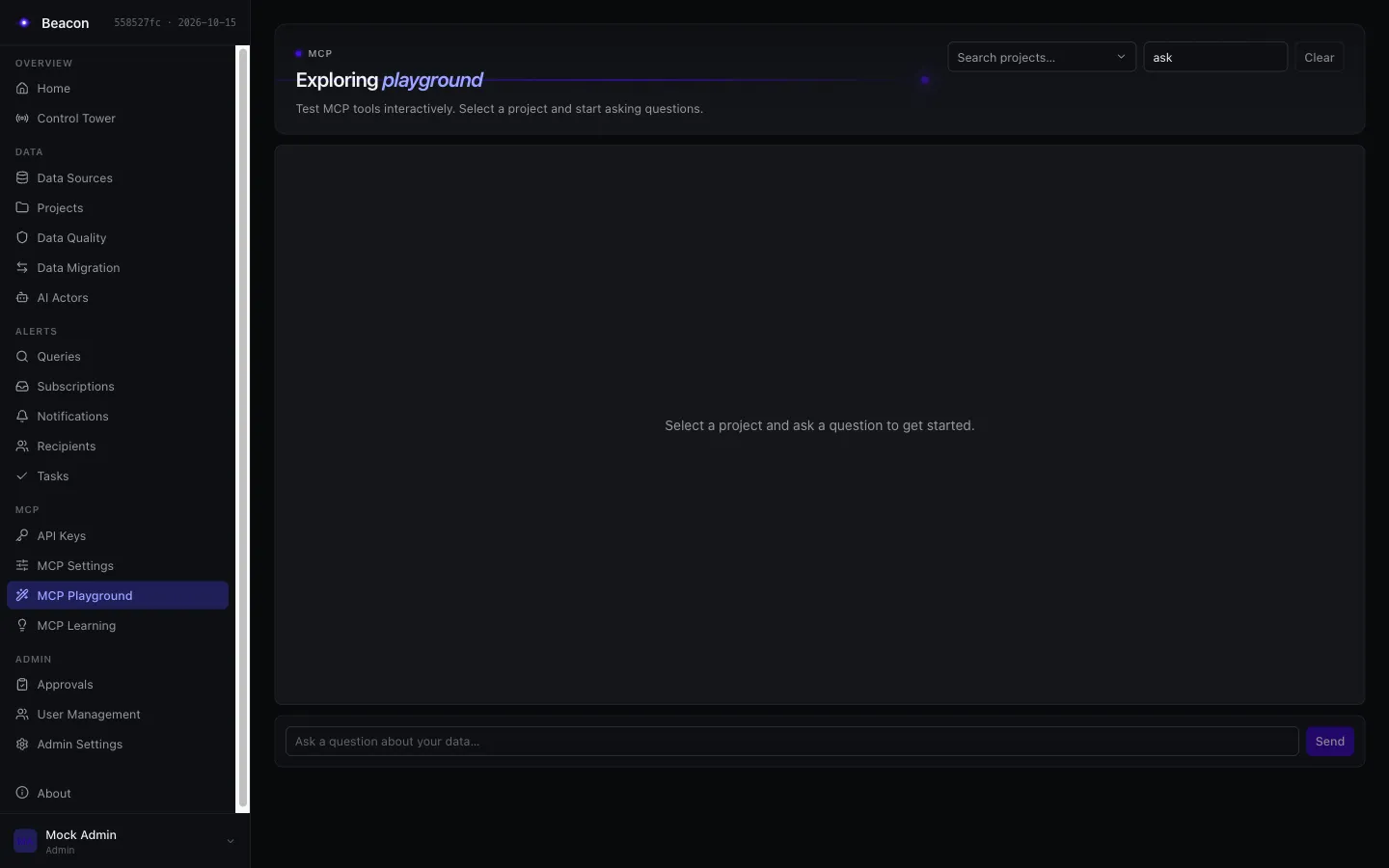
Every client talks Streamable HTTP to /beacon/mcp and sends a credential with the Execute scope. A Read-scoped key gets 403 at the door; a browser session reaches no project there and uses the MCP Playground instead.
claude mcp add --transport http beacon https://beacon.example.com/beacon/mcp \ --header "Authorization: Bearer $BEACON_MCP_API_KEY"{ "mcpServers": { "beacon": { "type": "http", "url": "https://beacon.example.com/beacon/mcp", "headers": { "Authorization": "Bearer ${BEACON_MCP_API_KEY}" } } }}{ "mcpServers": { "beacon": { "url": "https://beacon.example.com/beacon/mcp", "headers": { "Authorization": "Bearer sk-sem_…" } } }}{ "inputs": [ { "type": "promptString", "id": "beacon-key", "description": "Beacon API key", "password": true } ], "servers": { "beacon": { "type": "http", "url": "https://beacon.example.com/beacon/mcp", "headers": { "Authorization": "Bearer ${input:beacon-key}" } } }}Claude on claude.ai and Claude Desktop connect as a custom connector with the same URL. Connectors sign in with OAuth, so that path needs Entra ID callers.
API keys
Each person creates a key in API keys with the Execute scope, the projects the assistant should use and a short expiry. It is shown once; Beacon stores only its SHA-256 hash.
- Acts as its owner, only in the key's projects, capped by the owner's current role
- Catalog and saved-query tools work for any owner;
queryandaskneed Editor or above - Audit rows carry the
ApiKeyId
Entra ID callers
For organisation-wide access without personal keys, Beacon maps Entra access tokens to MCP callers with projects and a scope. An absent configuration admits no JWT caller.
- Users: delegated tokens, optionally auto-provisioned with the Viewer role
- Systems: app-only tokens of a known application or service principal
- Required for OAuth connectors and for host endpoint tools; audited by a keyed hash
Schema goes in. Row data is opt-in or screened, and logged.
Beacon sends prompts to the one provider configured in Admin Settings: OpenAI, Anthropic, Azure OpenAI or AWS Bedrock. What a prompt may carry is fixed, and every request that carries row data is logged.
In the prompt
- The questionAs the caller asked it
- SchemaTable and column names, types, descriptions, join paths
- Curated knowledgeGlossary, documentation, verified examples, learned patterns
Read through the caller's authorized project only: another project's material never enters the prompt, even on a shared data source.
Row data
- sample-valuesOnly with sample-value collection on, off by default
- value-matchesOnly with value grounding on, off by default; live probes only for callers who may query
- column-valuesDocumentation enum discovery, with sample-value collection on
- result-rowsEval judge only, off by default; PII masked, at most 20 rows
- database-errorsLesson extraction, always redacted by class; repair prompts carry only redacted errors
- stored-documentationSections that can list discovered values, for knowledge answers
category  Beacon.AI.Services.LlmProviders.LlmRowDataEgress
event     7123 RowDataSentToLlm · Information
fields    Categories    sample-values, value-matches
          DataSourceIds 12
          ProjectId     4
          CallerId      31
never     a value, prompt text or a table row
One lock keeps all row data out
The deployment lock Beacon:Mcp:ForbidRowDataToLlm pins sample values, value grounding and the eval judge off for every project. Repair prompts then carry only an error's class and code, and nobody can change that at runtime, an Admin included.
Returned to the client, logged the same way
When get_query_context returns sample values or value matches to an MCP client, that response is recorded under event 7123 too. Local embeddings never use the provider: they run in-process.
Every tool call leaves a row.
McpAuditService records every invocation: the built-in tools, saved-query tools and host endpoint tools, successes, validation errors, project-access refusals and calls refused for a missing Execute scope. It is never short-circuited.
| Time (UTC) | Tool | Project | Rows | ms | Error class |
|---|---|---|---|---|---|
| 09:41:02 | get_context | 4 | 38 | none | |
| 09:41:05 | get_query_context | 4 | 212 | none | |
| 09:41:09 | dry_run | 4 | 96 | none | |
| 09:41:10 | query | 4 | 3 | 41 | none |
| 09:44:27 | query | 7 | 12 | permission |
category  Beacon.Audit
event     9100 McpToolAudited · Information
fields    Tool        query
          Persisted   true
          ProjectId   7
          UserId      31
          ApiKeyId    57
          DurationMs  12
          ErrorClass  permission
          TraceId     5f2c9a17e04b4c1d8b3e6a90c2d71f44
Rows shown as a table for reading. Auditors and Admins read them through GET /beacon/api/mcp/audit, a paged JSON export; each read is recorded first in the security audit trail, and fails when that record cannot be written (event 9103 follows on the log).
Correlated
Each row keeps the trace and span id of the call, the Mcp-Session-Id, an upstream request id and the caller: an API key's id, or a mapped Entra caller's kind and keyed hash.
Every statement, content by retention
Each row lists every statement the call ran on a data source: an ask's first run, repairs, candidates, probes and dry runs. With content retention on, they keep their SQL and the row its question; with it off, keyed hashes and structure only. The row itself is always written.
Fail closed when required
With Beacon:Mcp:Audit:Required set, a result whose audit row could not be written is withheld from the caller. No unaudited data leaves Beacon.
What every MCP call can rely on.
Read-only, locked on
Only read-only statements run. Beacon:Mcp:ForceReadOnly pins it on by default, binding on Admins too; only the host's configuration lifts it.
PII masked, locked on
Emails, phone numbers, card numbers, tokens and your own patterns are masked before results leave the server. ForcePiiDetection keeps detection on by default.
Project access on every call
The caller's projects are decided per call, with no session cache. A revoked membership or a disabled user takes effect on the next call, in the same session.
Its own database only
SQL may name only the data source's configured database. Functions that reach other servers, files or storage are refused, also with read-only enforcement off.
Bounded results
A row limit (1,000 at most by default) and a fixed 30-second timeout for query and ask. Truncated results say so and tell the agent how to get more.
Strictest settings on shared sources
A data source several projects link runs with the strictest guardrails among them: the lowest row limit, PII and read-only on if any project turns them on.